Restaurant operations
Restaurant POS migration: a checklist for switching systems
A POS change reaches far beyond the register. Before you switch, map the systems your restaurant depends on, agree who handles each transfer, and review the migrated data before the final move.

Define what a successful switch needs to preserve
Start with the parts of the current setup your team relies on every week. A register can look ready while a second menu, an online ordering channel, or a kitchen destination is still missing. Write down what must work on the first day and which person can confirm each item.
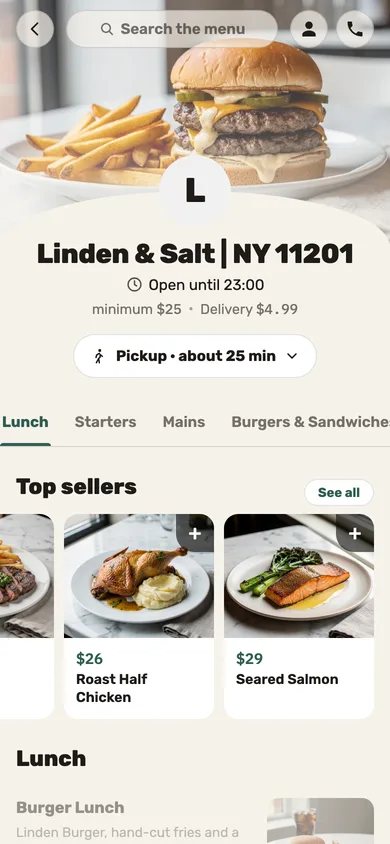
Include the information guests see as well as the settings staff use. That may mean menus, item choices, prices, hours, photos, branding, staff access, preparation stations, and connected services. The right list depends on your restaurant; do not assume one exported menu represents every way you sell.
- List every menu and ordering channel, including seasonal or catering menus.
- Name the system that owns each piece of information today.
- Choose a restaurant-side reviewer for each important area.
- Write down what must be ready before you approve the final move.
Map the systems around the POS before planning dates
A restaurant may use separate platforms for its register, website, online orders, loyalty, staff, accounting, delivery, and payments. Draw the connections: where an item is edited, where an order arrives, and which team sees the result. This catches dependencies a hardware list will miss.
Record the provider, restaurant account, owner, and the access needed for each system. If you want to keep an existing payment processor or connect a particular marketplace, mark it for a technical review. “We use it today” is useful context, but it does not by itself confirm how a new system will connect.
Ask who will do the data work
Before signing, ask whether you are expected to build the menu and re-enter the data yourself, or whether the new provider owns that work. Confirm how the team handles a source that cannot export cleanly, who resolves a mismatch, and how you will see the result before service moves over.
With Jooule, the work starts after registration with a review of your current systems. The migration team and menu engineers request the access they need, then transfer the data system by system. They use imports where available and handle manual work when a source needs it; the migration work is included in the installation cost.
Review the migrated restaurant before the final move
Do not approve a transfer from a single menu preview. Open the data in its destination and have the person who owns that area compare it with the current system. Test a representative item from each menu, including its choices, price, description, and kitchen destination. Check guest-facing pages separately from staff screens.
Jooule gives you the migrated information to review before the final move. Make a list of anything missing or different, assign an owner, and have the migration team correct it. Approve the final transfer only after the restaurant’s reviewers can confirm the important information is in place.
- Compare menus, item choices, prices, hours, photos, and branding.
- Check staff roles and the preparation destination for representative dishes.
- Place a test order through each channel the restaurant plans to use.
- Record open issues and confirm each correction before sign-off.
Build a timeline around the work, not a promised overnight switch
A typical Jooule migration takes one to four weeks. The exact timing depends on the restaurant’s existing systems, its size, the data involved, and what the team needs to do. Once Jooule has mapped the current setup, agree on a schedule that leaves time for transfer and review.
Pick a final-move window with the people responsible for the register, kitchen, online orders, and staff. Decide who checks the first real orders and who handles questions. A planned cutover gives everyone a named next step; a promise of “no downtime” without a tested plan does not.
Rehearse the workflows staff will use on day one
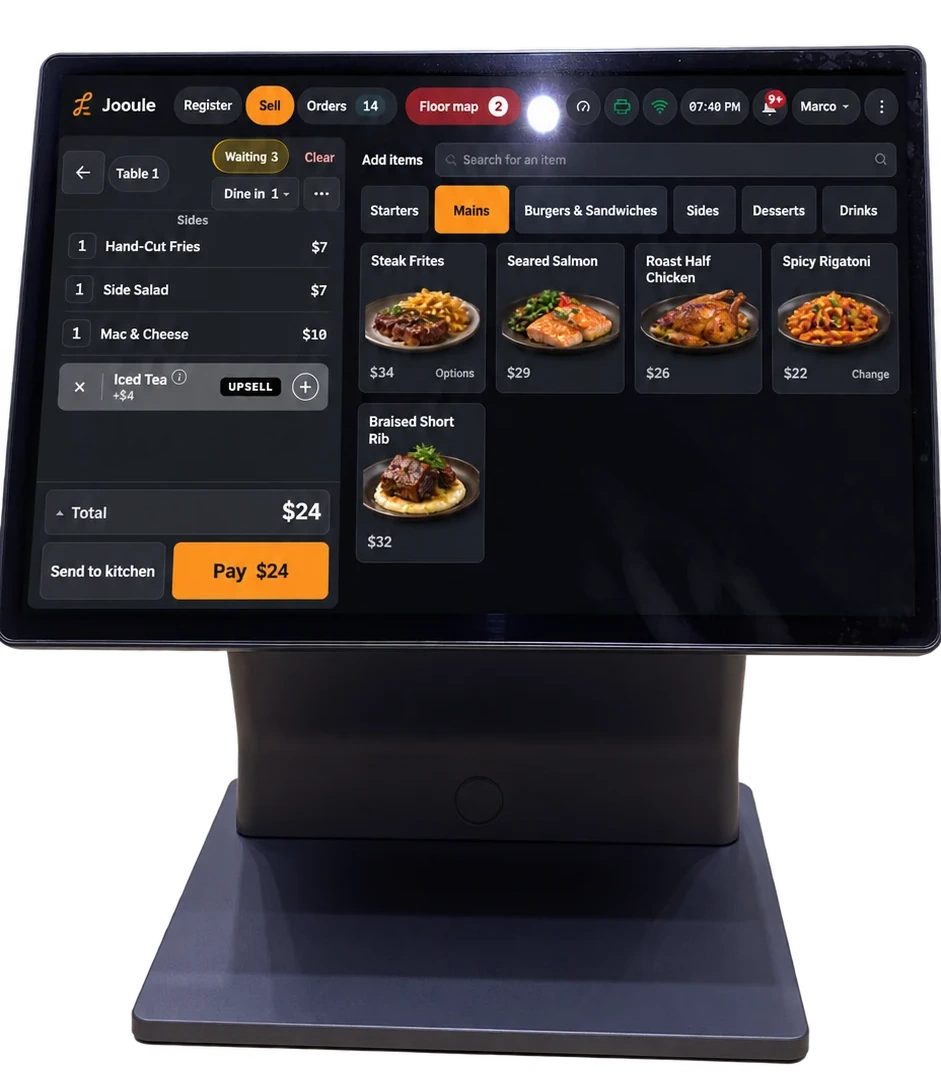
Use the demonstration or setup time arranged with your provider to walk through ordinary work: opening a table, taking a counter order, changing an item, sending work to the kitchen, and checking a pickup. Ask a server and a kitchen teammate to take part, not only the person who configured the system.
Keep the first-shift notes short and specific. Show staff where to ask for help, what to do when a detail looks wrong, and how to tell a saved draft from an order that has reached the kitchen. Update the notes after the rehearsal, while the exact points of confusion are still clear.
Use a sign-off list for the last review
A migration is ready when the restaurant can verify its important data and the people doing the work know what happens next. Keep the final check with the team that will operate the restaurant; a completed import report is not a substitute for confirming the way your business actually runs.
- Every system in the agreed scope has a named status and reviewer.
- Menu content and guest-facing information have been checked in place.
- Representative orders reach the expected staff and kitchen workflows.
- Open questions, their owners, and the final-move date are written down.
- The restaurant has approved the migrated information before the final move.