
Tablet menu

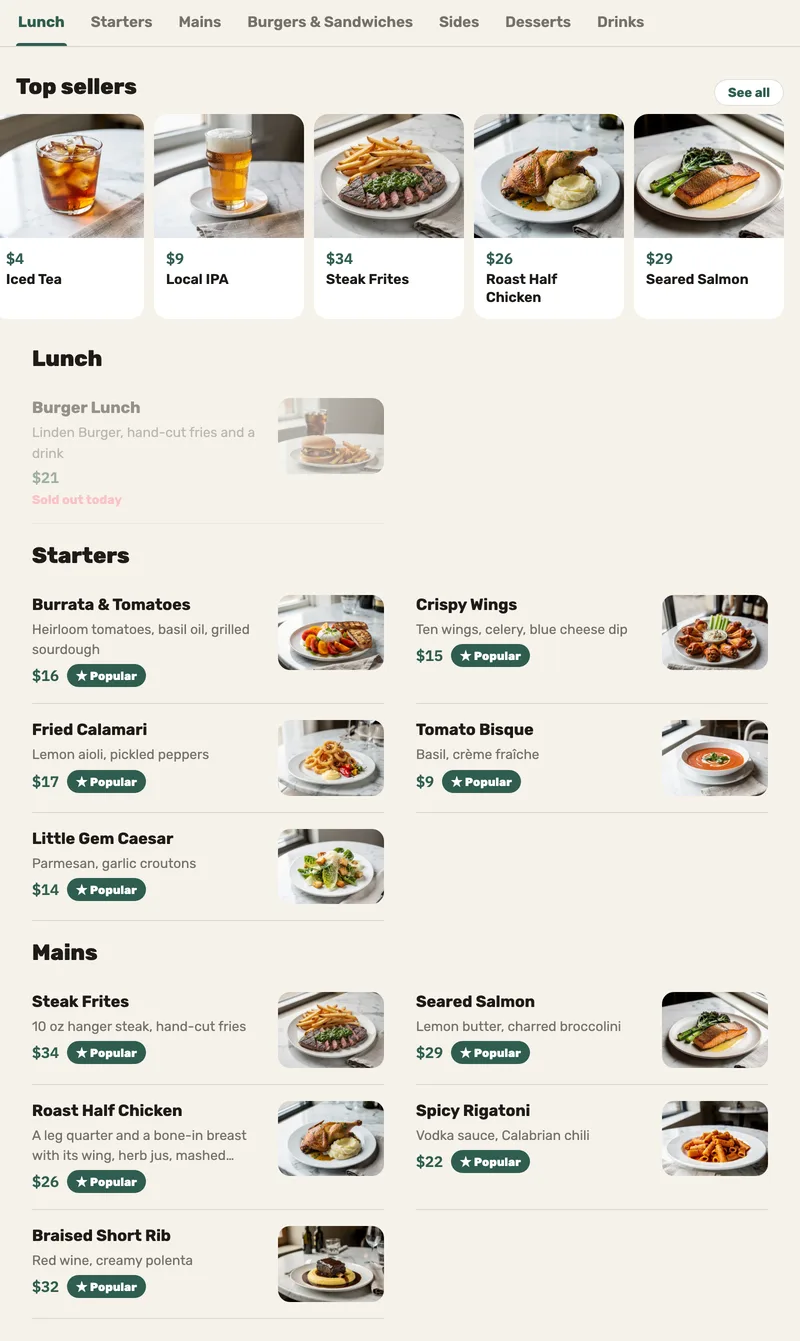
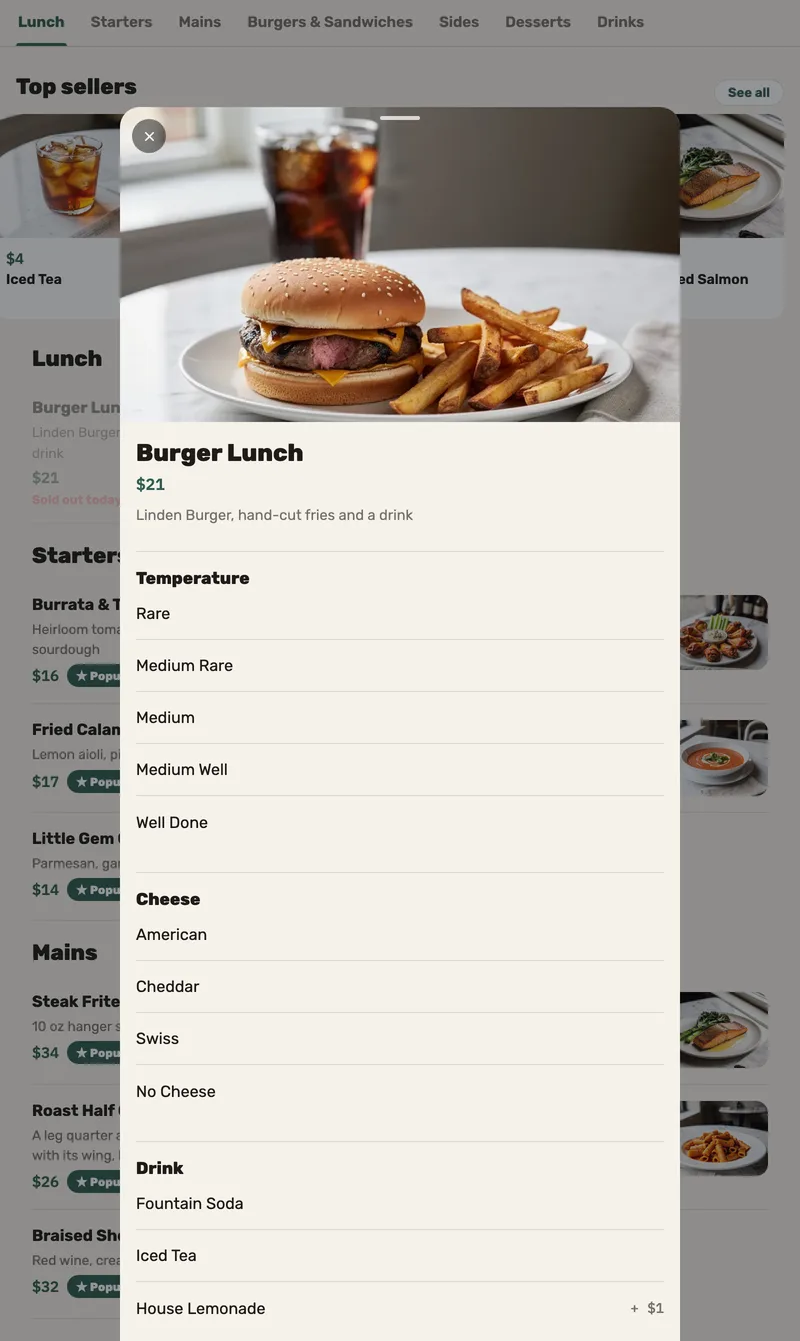
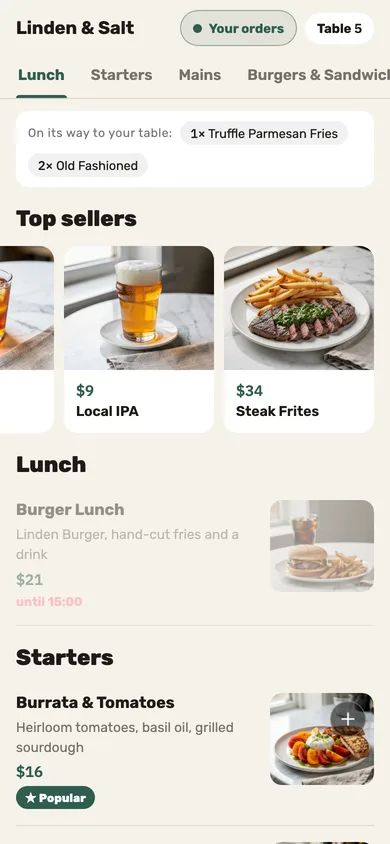
A menu on the tablet, from the register’s own menu.

A browse-only tablet on the table: photos, choices and top sellers — locked to the menu, back to the top after three minutes, and still showing the last menu when the Wi-Fi drops.

Questions we hear

Can guests order from the tablet?

No. It’s a menu to browse; orders go through the server, or through the QR code on the table.

Can a guest leave the menu?

Not on a tablet set up from a factory reset: the menu is locked to the screen, with no home screen, recent apps or notifications. On any other tablet the menu is pinned to the screen, and a determined guest can unpin it.

And if it’s left open?

After three minutes without a touch it returns to the top of the menu.

What you can do

Explore all features

A tablet menu for browsing

Give guests a locked menu with dish photos, previously loaded content and an automatic return after inactivity.

A browsing menu, not a guest ordering or payment app. Only previously loaded content can remain visible without a connection.

Let’s talk about your restaurant’s next step.

Improve today’s operation, plan an opening or prepare for another location. Tell us what you need, and explore how our service and technology can help.