Reservations
Reservations built around your floor plan.
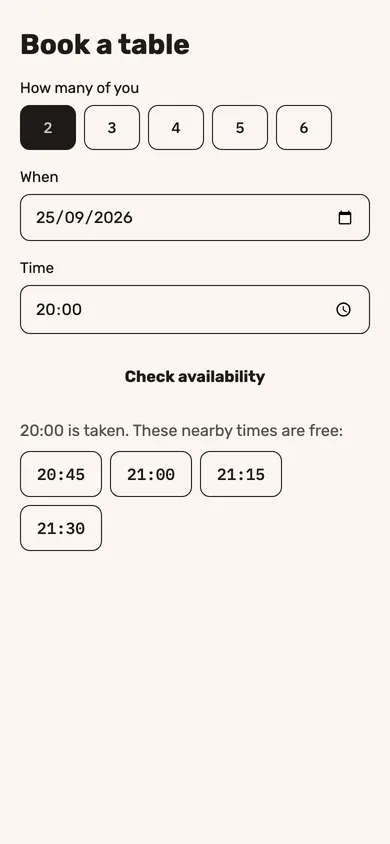
Guests choose a party size and time. A visible countdown holds their place while they enter their details, and a personal link lets them check or cancel the booking.
-
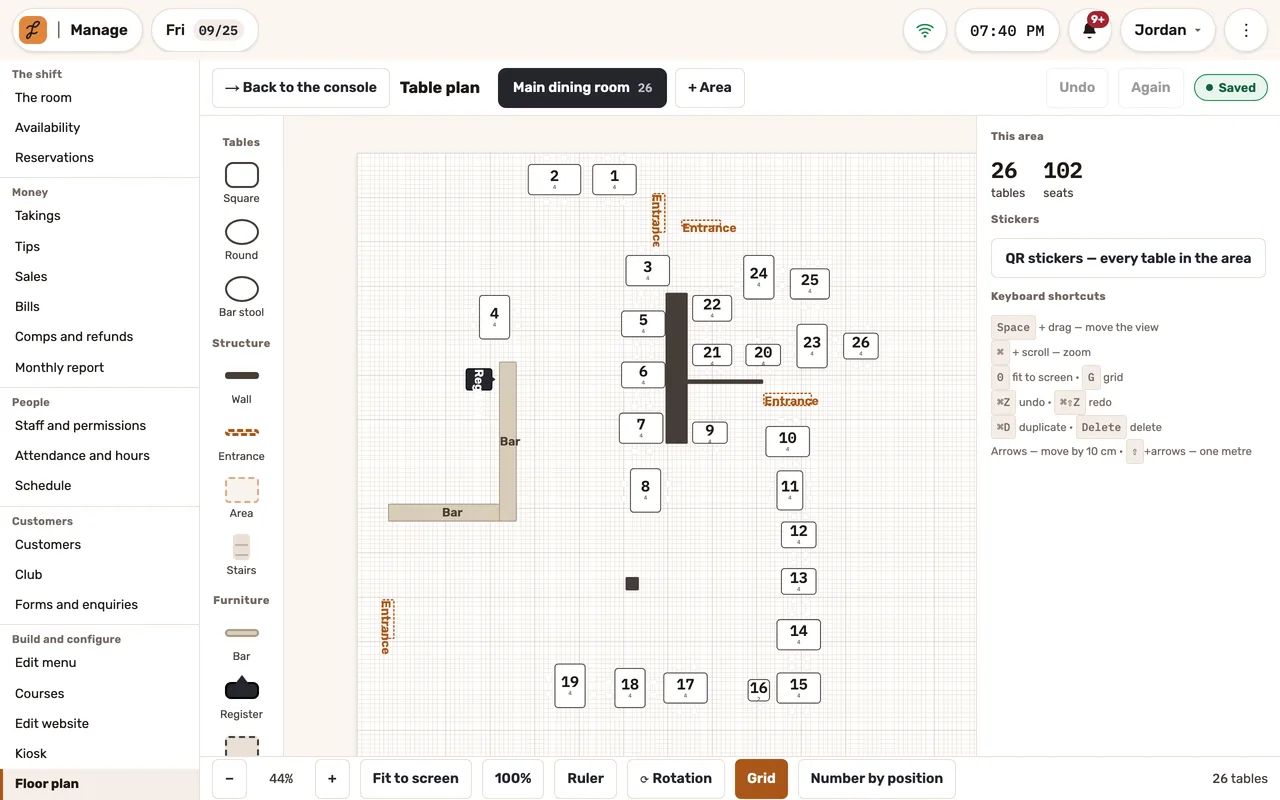
Capacity comes from the floor plan
Table sizes come from your floor plan, and two tables can be combined for a larger party. Nothing is set up twice.
-
Tables kept for walk-ins
Reserve tables of each size for walk-ins and set a limit on guests arriving in each time slot.
-
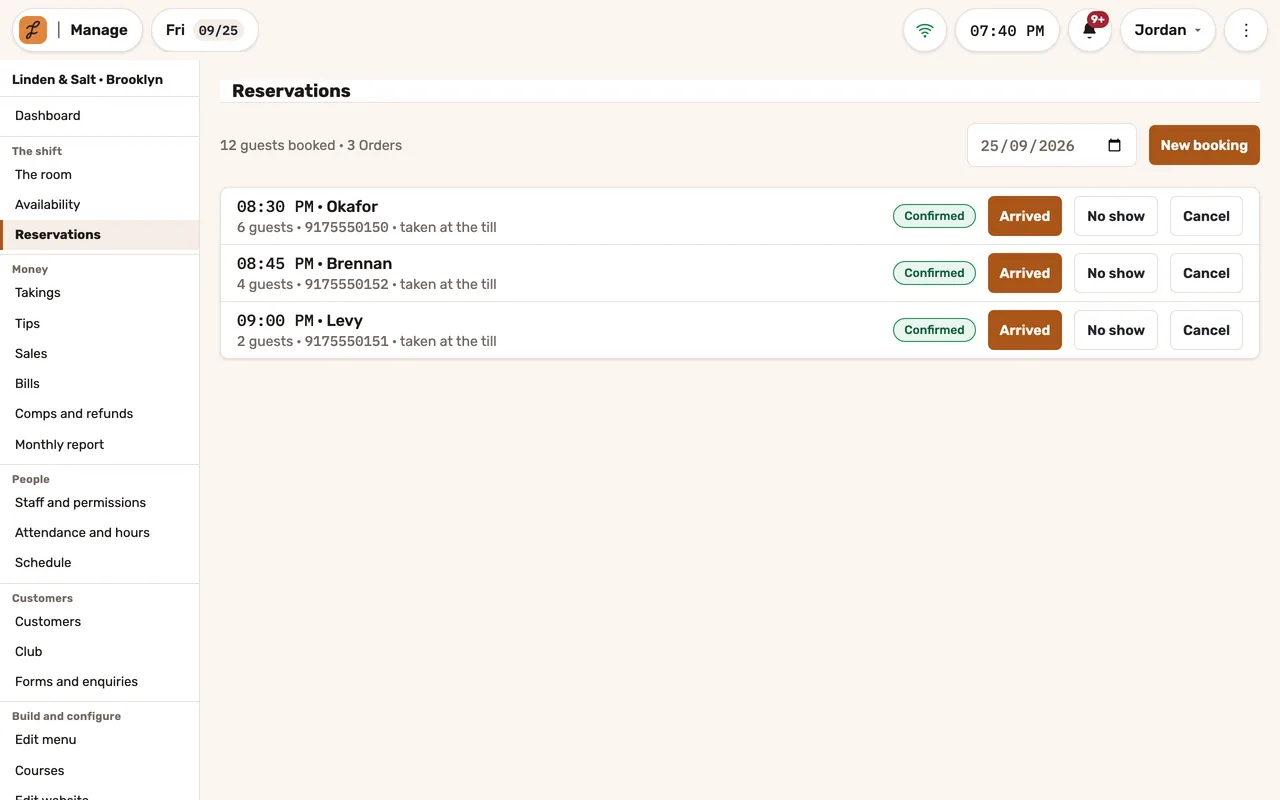
The day’s list
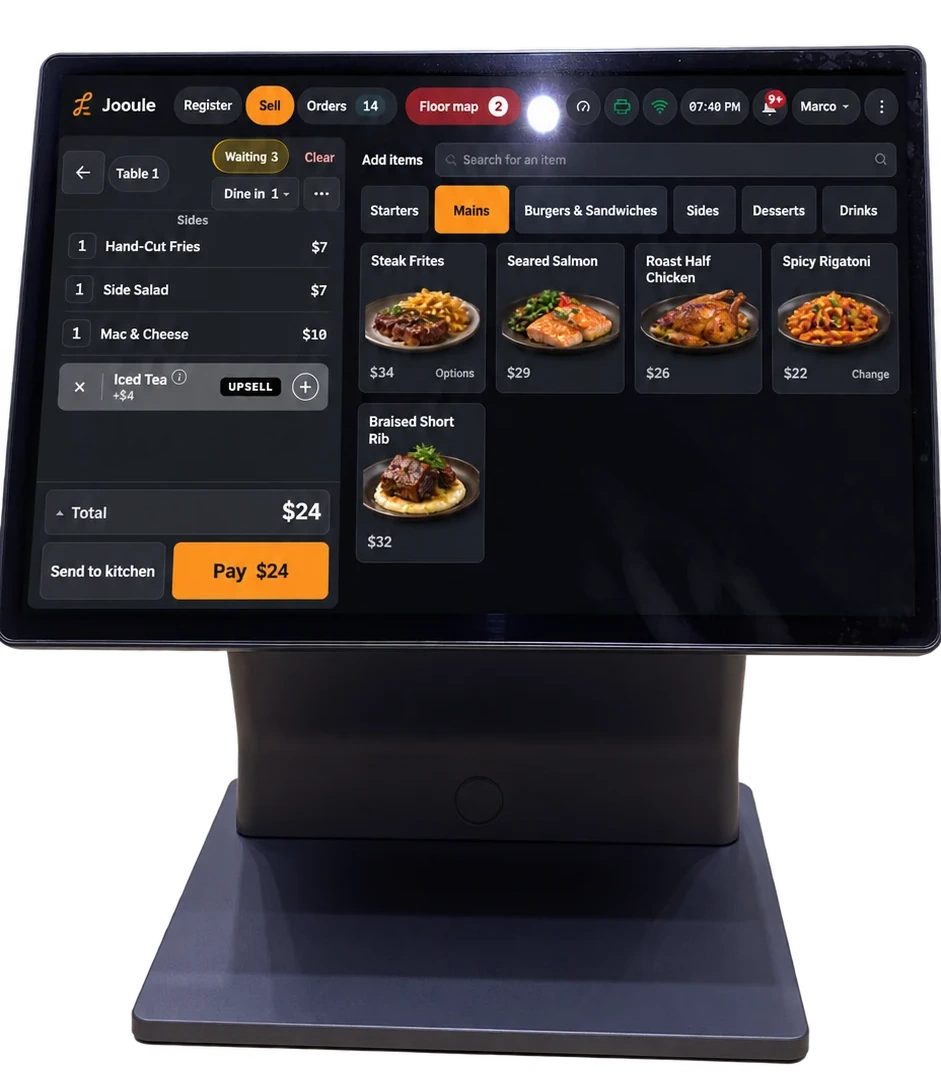
Confirm bookings, seat guests and mark no-shows from the day’s list. No-show holds release automatically. Seating opens the check with the guest’s name, party size, allergies and occasion.
Questions we hear
Can guests book a specific table?
No. The system fits a table to the party size, and you choose the table when you seat them.
Do guests get reminders?
Yes, through the SMS account connected to your restaurant. Guests receive booking updates and a morning reminder for confirmed reservations.
Is there a deposit or a card hold?
No. There is no deposit and no card hold.
See Jooule with your own menu.
Explore the register, server app and kitchen display with the dishes you serve.