
Review table QR orders before sending
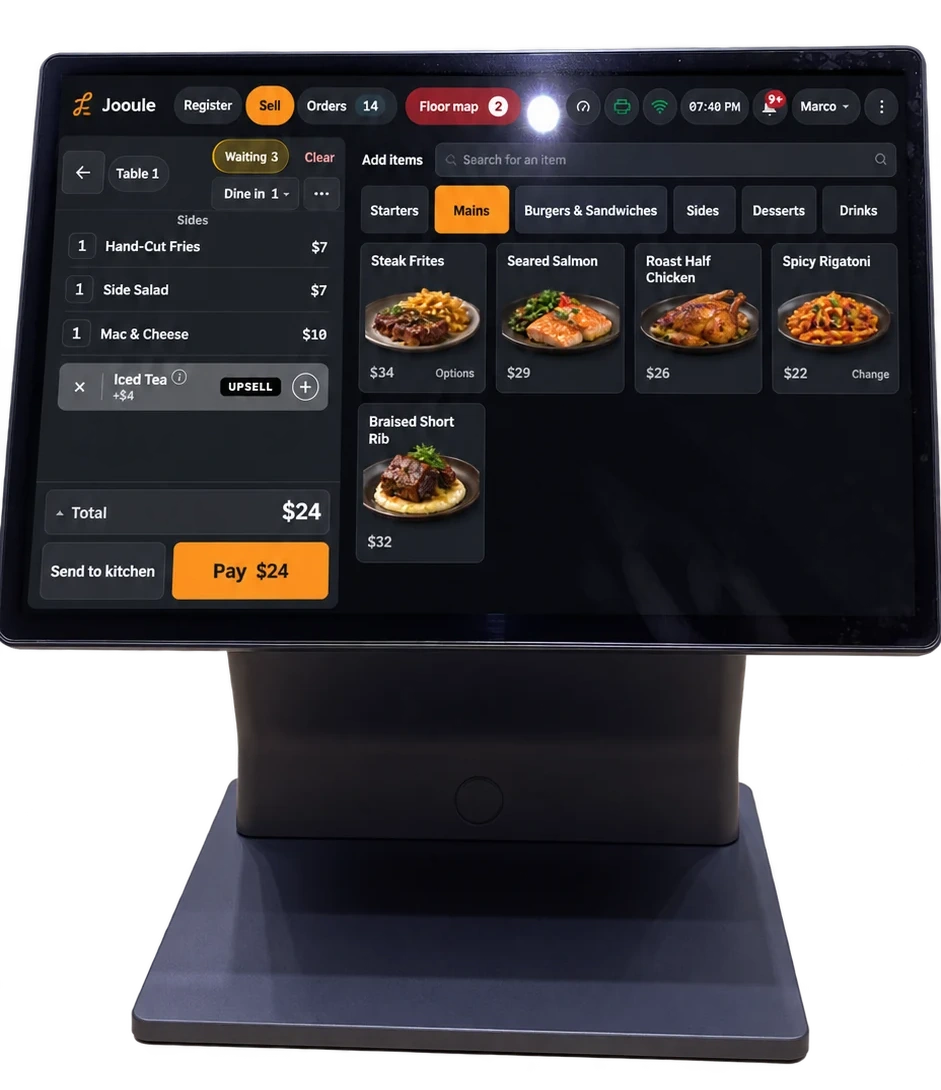
Choose whether orders guests place from the table need waiter approval before they reach the kitchen.
QR table ordering
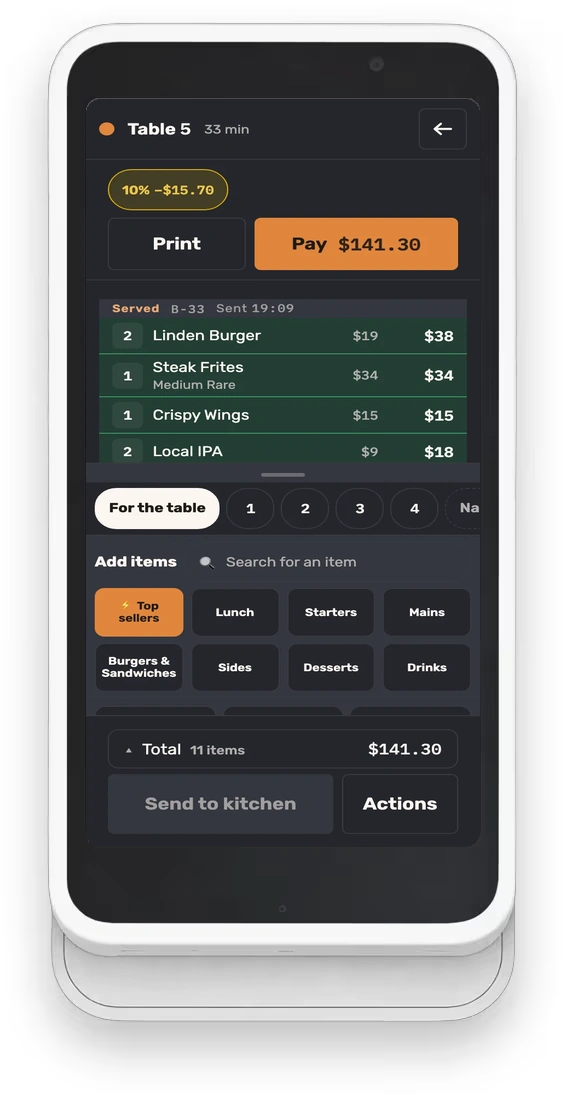
Guests scan, order, add more mid-meal and ask for the check from their seat. No app or sign-up required, with your servers still in control of service.
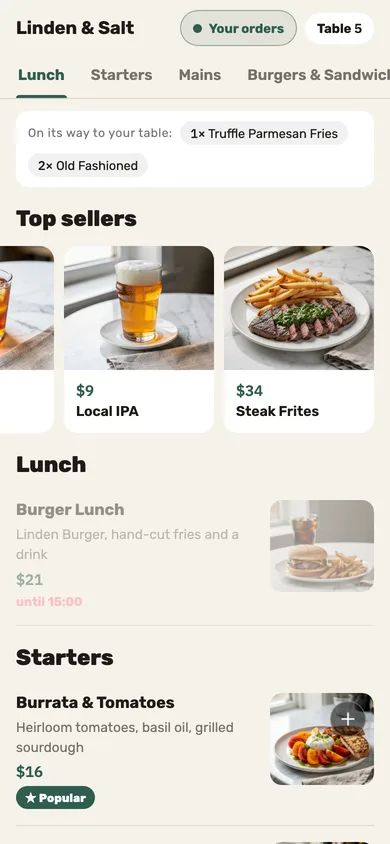
A friend who scans the same table joins the same order. “On its way to your table” shows what the table ordered, without saying who.
Received, in the kitchen, on its way, served — each status follows confirmation from the printer or your team, so guests see what is known about their order.
Guest rounds can wait for a server’s approval before they reach the kitchen: “Approve & print,” or “Decline.”
No. The scan opens a browser with that table’s menu — no install, no account, no text code.
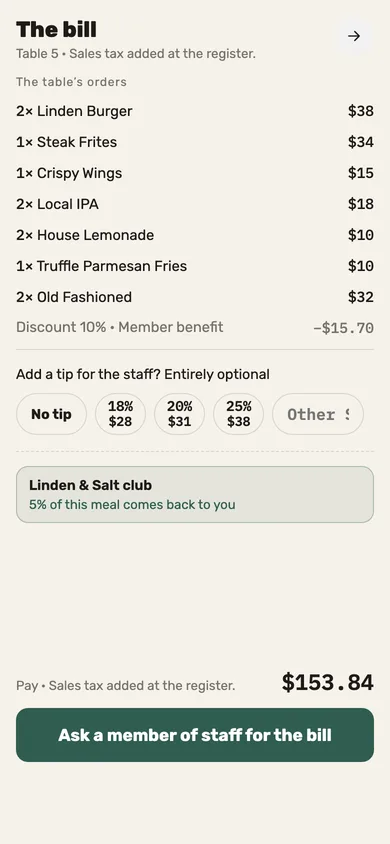
Guests ask for the check and choose a tip on their phone. With an approved online payment connection enabled, they can also pay there; US Stripe access is available through approved restaurant pilots. Otherwise, your server collects cash or takes payment on your card terminal.
They order through the server, as always. Both paths meet on the same table and the same check.
Choose whether orders guests place from the table need waiter approval before they reach the kitchen.
Guests can call a server, request the check and choose a tip through the table’s phone flow.
Guests scan a table QR, browse and order without installing an app, adding rounds to the table’s shared check.
Improve today’s operation, plan an opening or prepare for another location. Tell us what you need, and explore how our service and technology can help.