Full service
Built for a night of tables, rounds and changes.
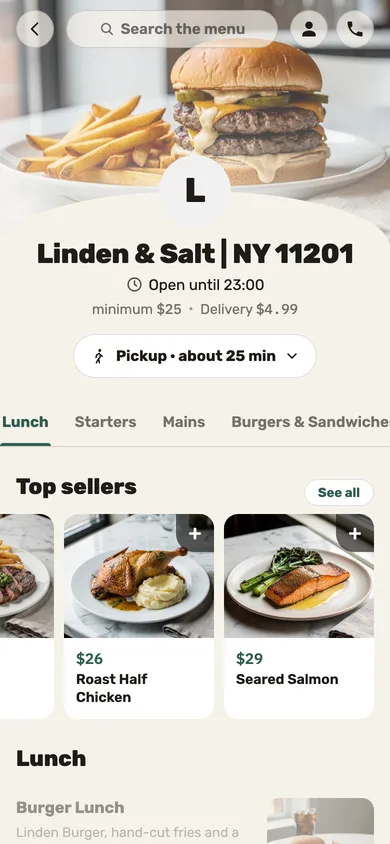
A floor map, servers with phones, a kitchen split by station and ordering from the table — when the room is full and the servers are running.
-
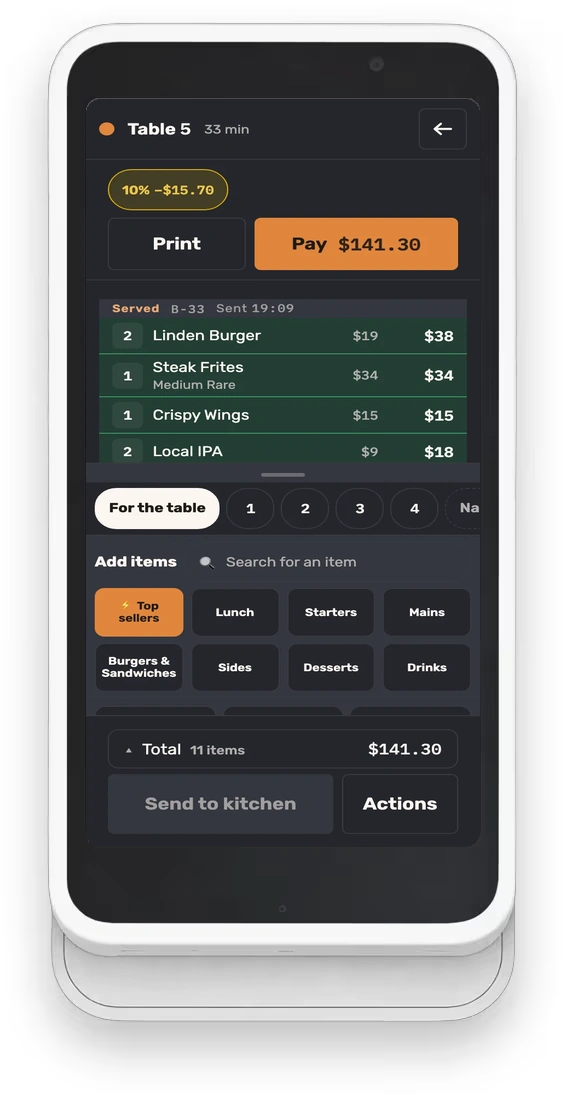
The table travels with the server
Seats and rounds, one send to the kitchen, and payment at the table on the register’s own screen.
- Unsent dishes stay on the device
- A ring when food is up
- Split by seat
-
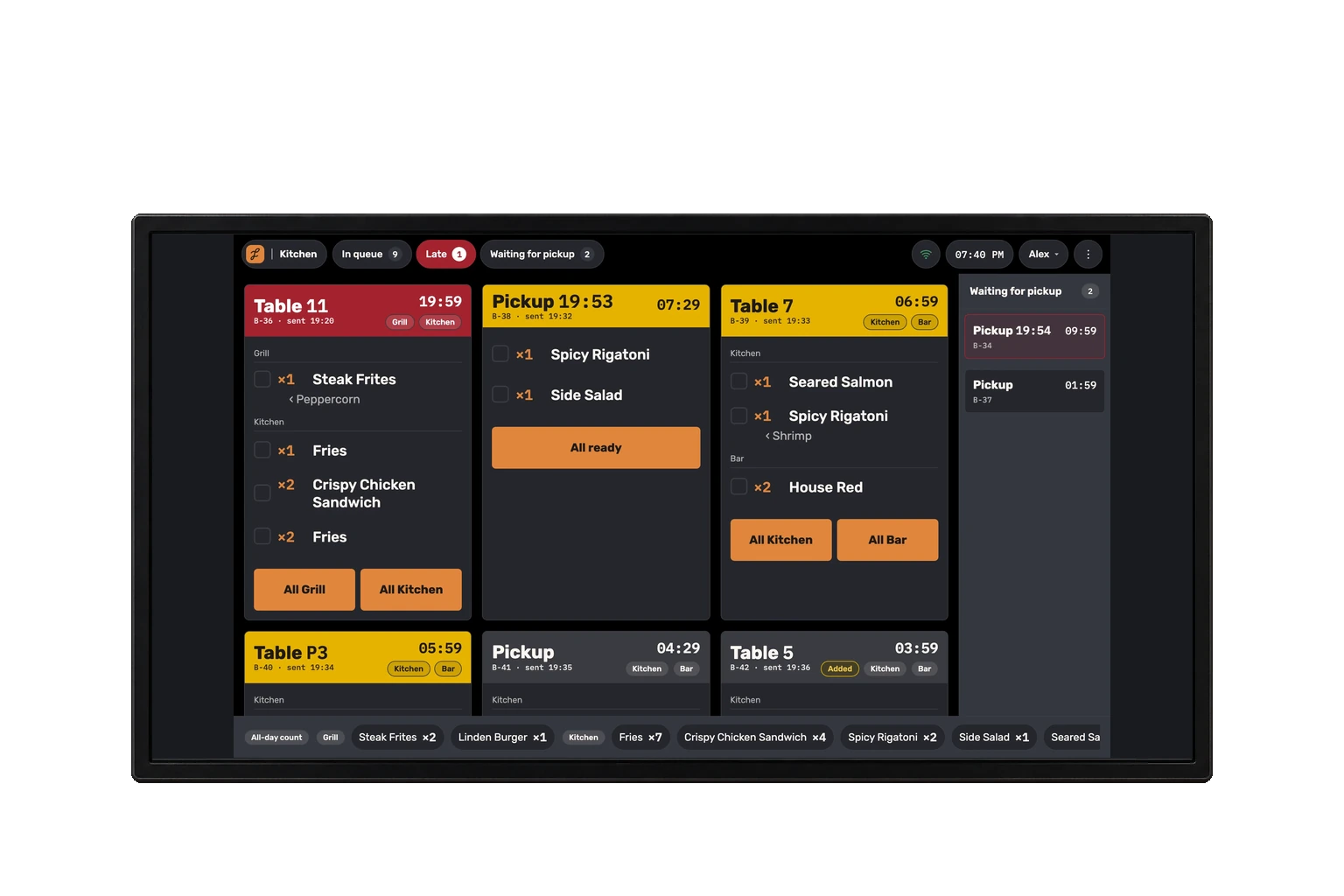
The kitchen keeps pace
Tickets organized by station and course, an oldest-first queue with manual priority, and changes that stay marked until a cook has seen them.
- Tickets printed as images
- A wall screen for the pass
-
Tables that change mid-evening
Move a party, join free tables on one check, or combine eligible open checks. Your saved floor plan stays in place.
What does a full-service restaurant need from a POS?
Orders sent directly from servers to kitchen stations, a clear view of late dishes, and a payment flow that handles split checks and tips at the table.
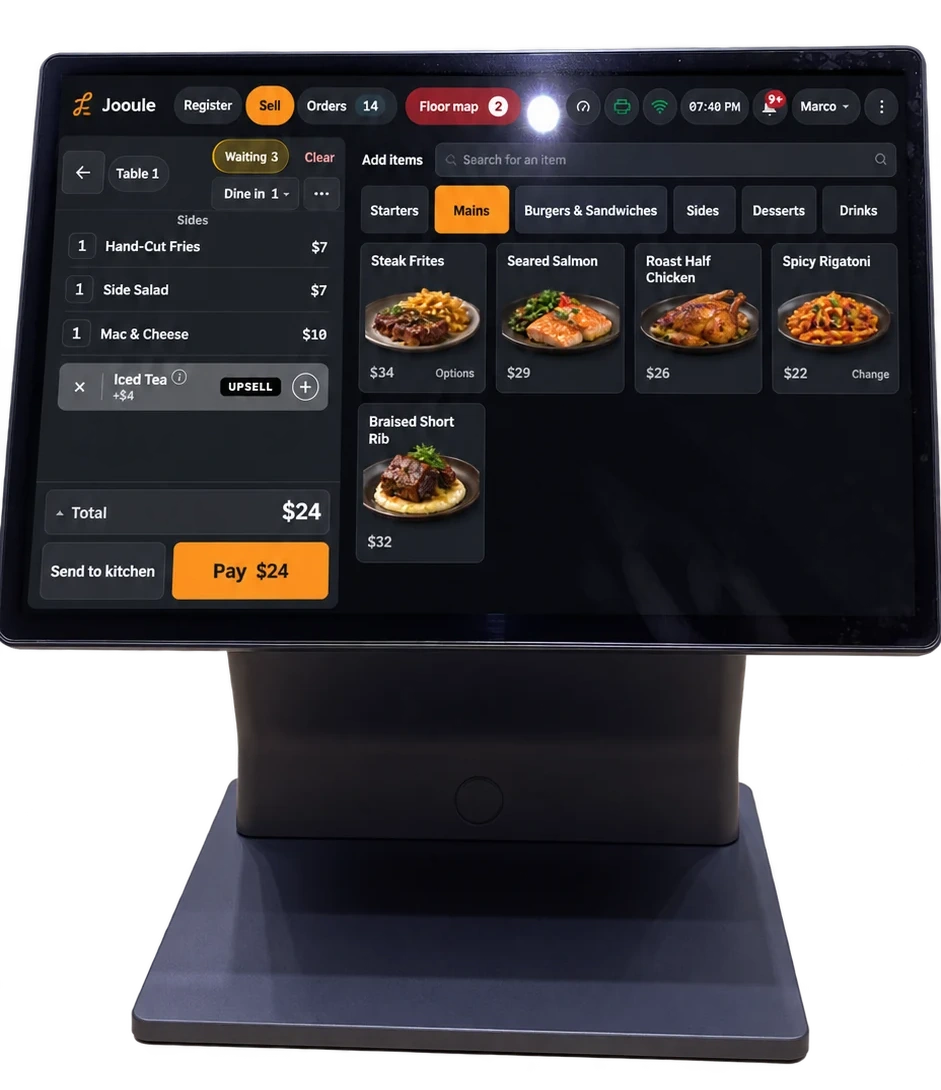
The register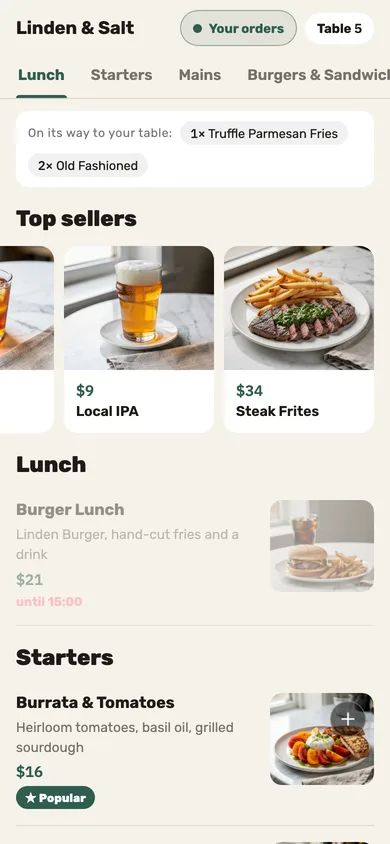
Questions we hear
How do we pace appetizers, entrees and desserts?
Assign dishes to courses and choose what to release now. A kitchen display supports manual firing, release after the previous course is ready, or release after expediter confirmation, according to settings and permissions. Paper-only kitchens use manual firing.
Explore course firing and kitchen timingCan two checks be merged?
Yes, once the merge passes its checks; and free tables can be pushed together into one check before the party starts.
Do you take reservations?
Yes: bookings by the tables you’ve already drawn, and you can keep tables back for walk-ins.
How are tips split?
One tip per check, split by the rule you set: by hours, equally or by tables.
Want to see it on your own floor?
Leave your details and we’ll call to set up a demo.