Point of sale
A register that helps you run the night.
The floor map, pickup and delivery orders, and payment in one bar — on the Windows PC you already have, or in any browser.
-
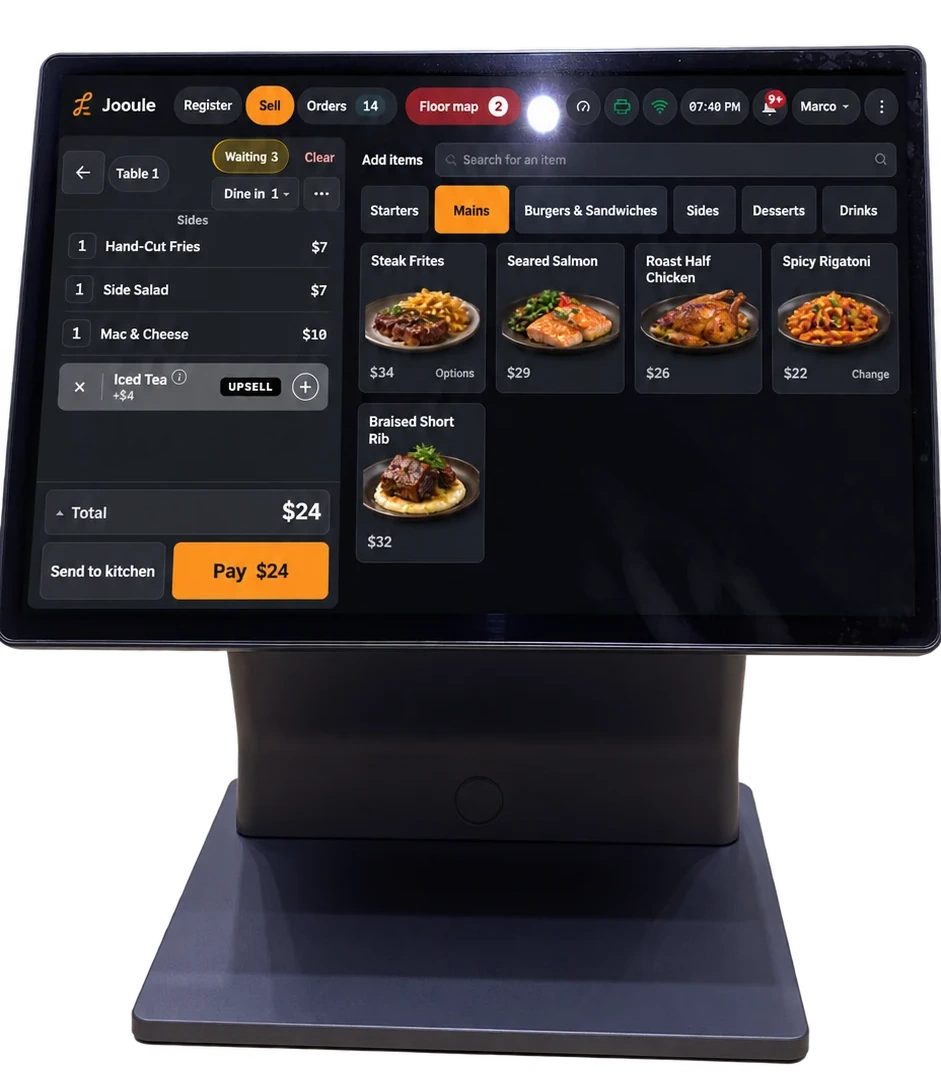
Start with the right order type
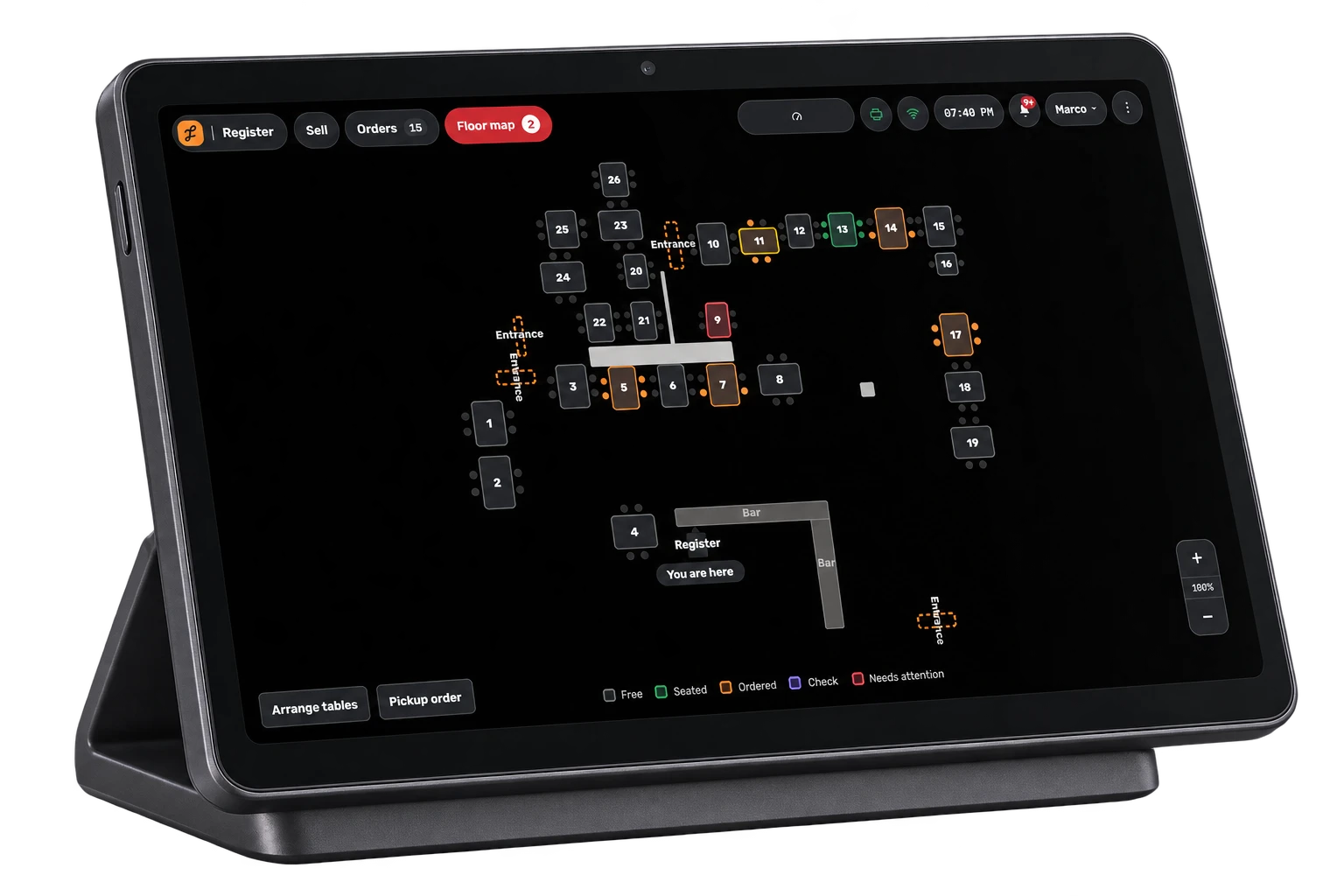
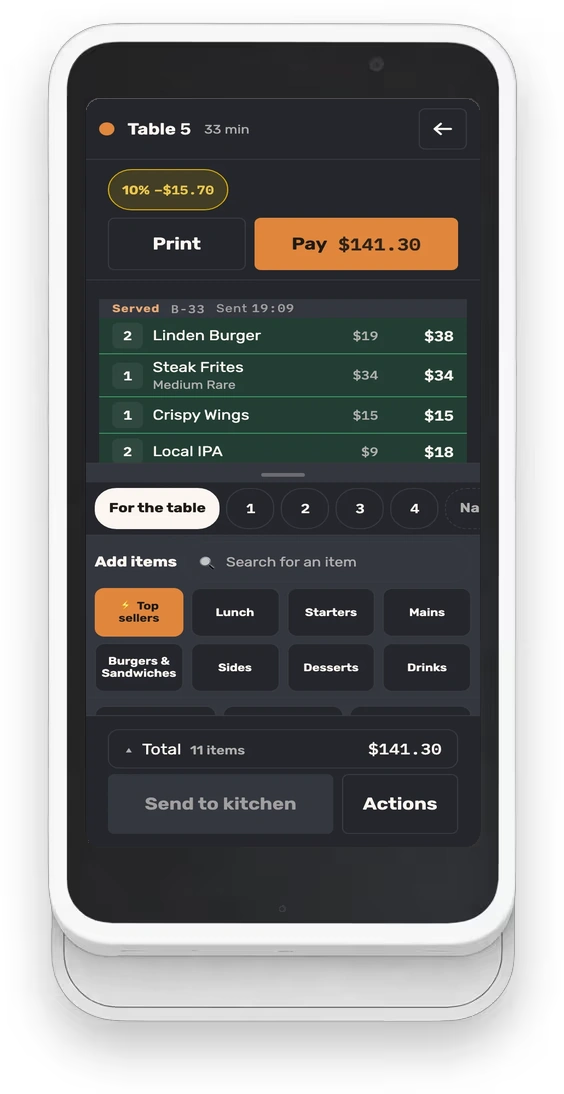
Tap a table for dine-in, choose “Pickup order” on the floor map, or enter an address for delivery. The order type carries through to payment.
-
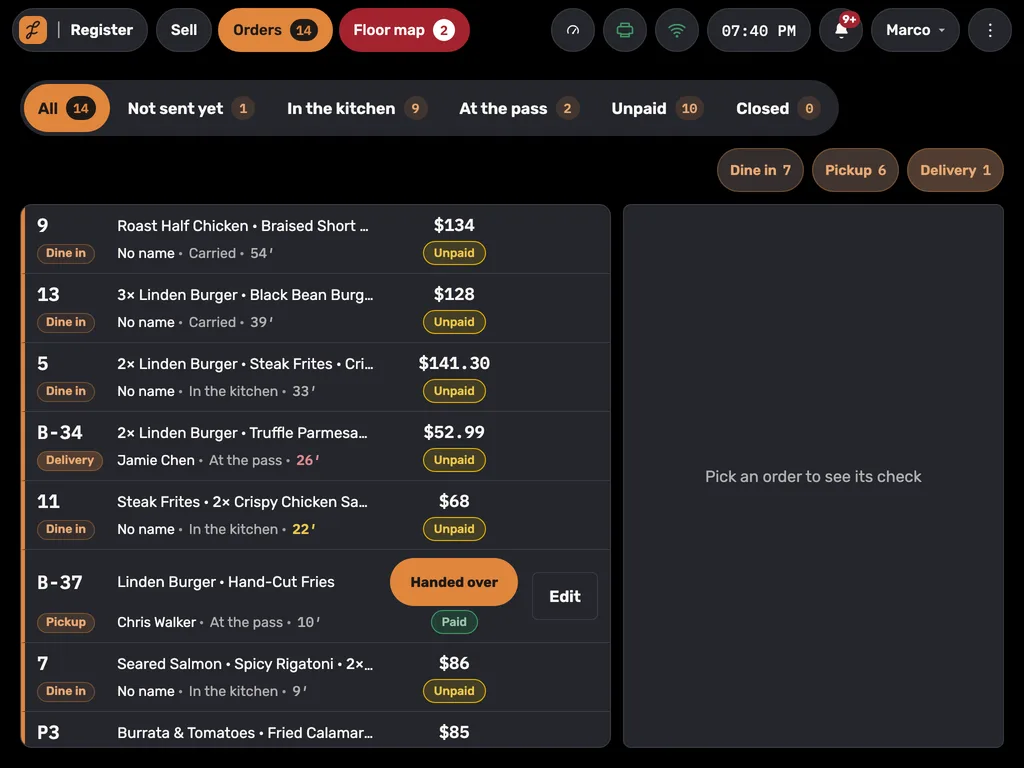
Everything open, in one list
Tables, pickups and deliveries, oldest first, with tabs for not sent yet, in the kitchen, at the pass, unpaid and closed.
-
Every payment checks the balance
On a table’s check, Jooule checks each payment against what is already recorded and refuses to record more than the total. That includes checks split between several guests.
- Removing a whole dish from a restaurant order records the reason
- Changes record the staff member and any manager approval
- A blind cash drawer count
On the device that suits you
The register runs on your compatible touchscreen PC, with printing software and automatic updates included.
The same register as an Android app, on a dedicated register or a tablet.
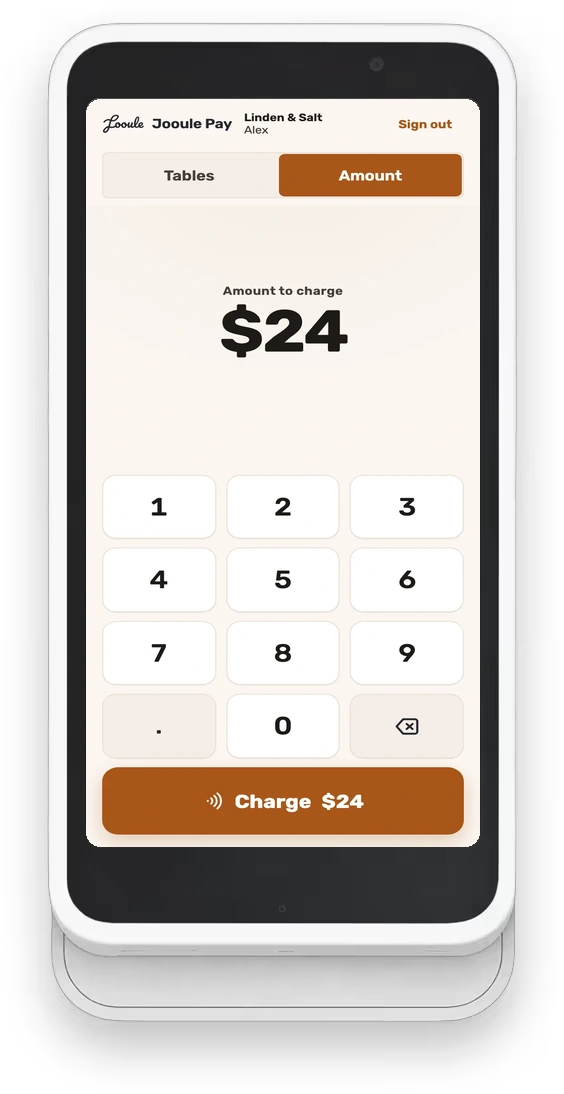
Orders and payment at the table, on the register’s own payment screen.
Questions we hear
What happens when the internet goes down?
Jooule requires an internet connection. Orders already received by the server wait to print when the connection returns, with their original order time. Staff get a warning when printing goes silent, and the register shows each printer’s status with an option to resend stuck tickets.
Do we have to change card processors?
No. The card is taken on the terminal you already run, and the register records it once staff confirm it went through. We are not a processor and never take a cut of your card volume.
Can a dish come off after it went to the kitchen?
Yes. Removing a whole dish from a restaurant order requires a reason, including a comp. The record keeps the reason, the staff member and any manager who approved it.
See Jooule with your own menu.
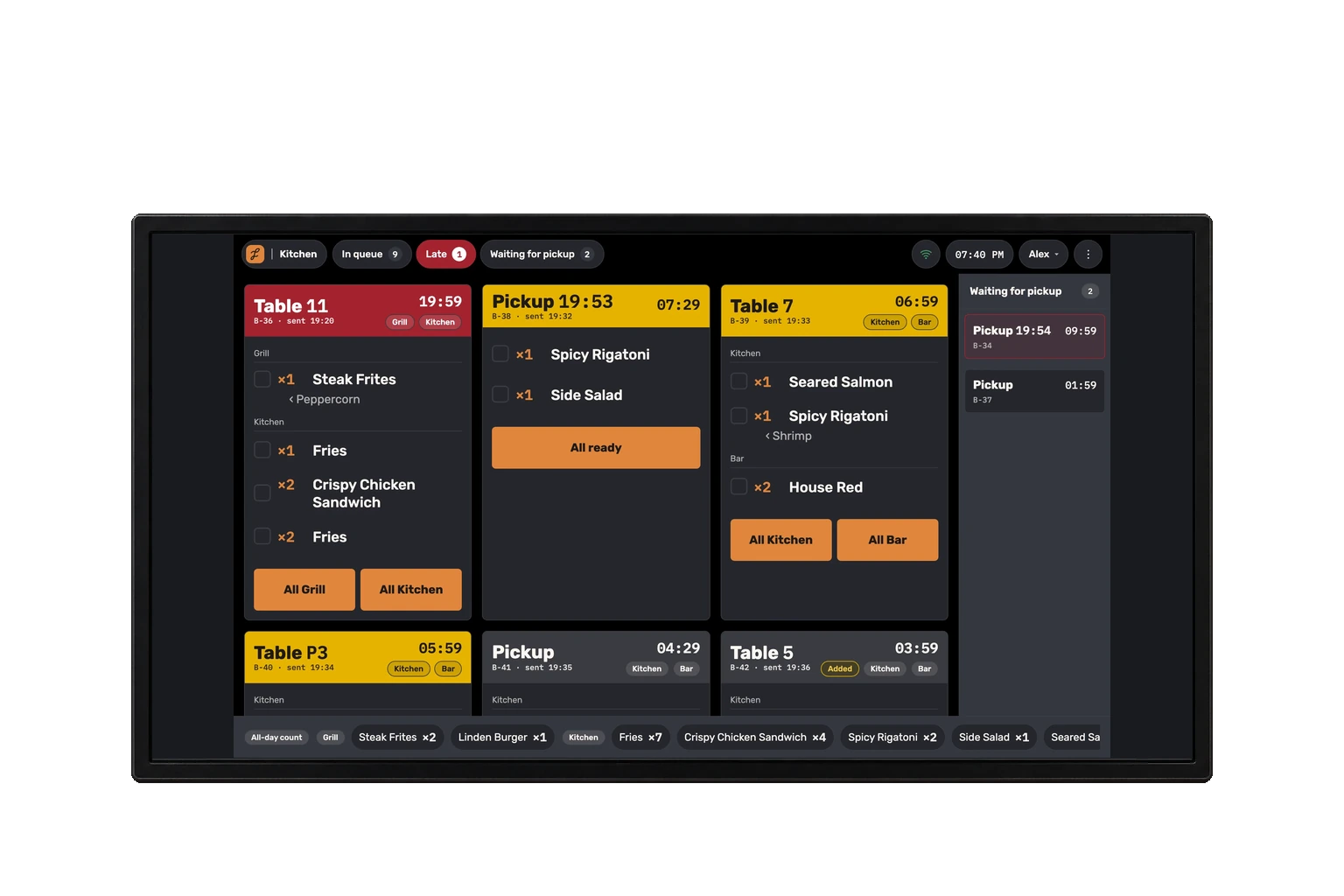
Explore the register, server app and kitchen display with the dishes you serve.