Order for a future date and time
Guests can choose a supported future pickup or delivery date and time, then pay online to confirm the scheduled order.
Requires online prepayment. Offered dates and times follow service hours, preparation time, delivery-zone rules and any configured advance-order limit.
Check availability Orders from your own website
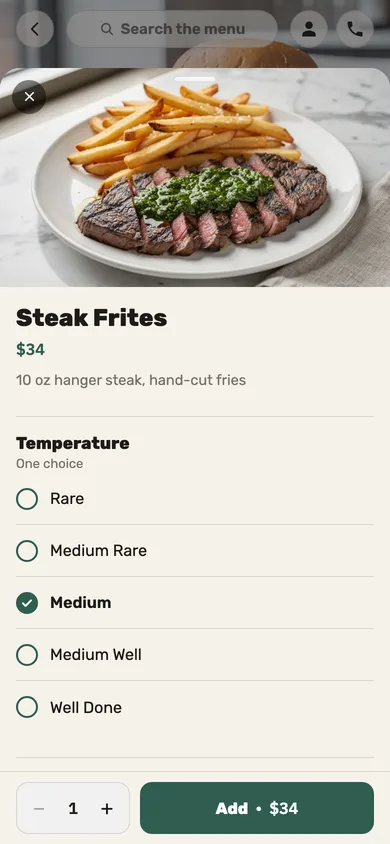
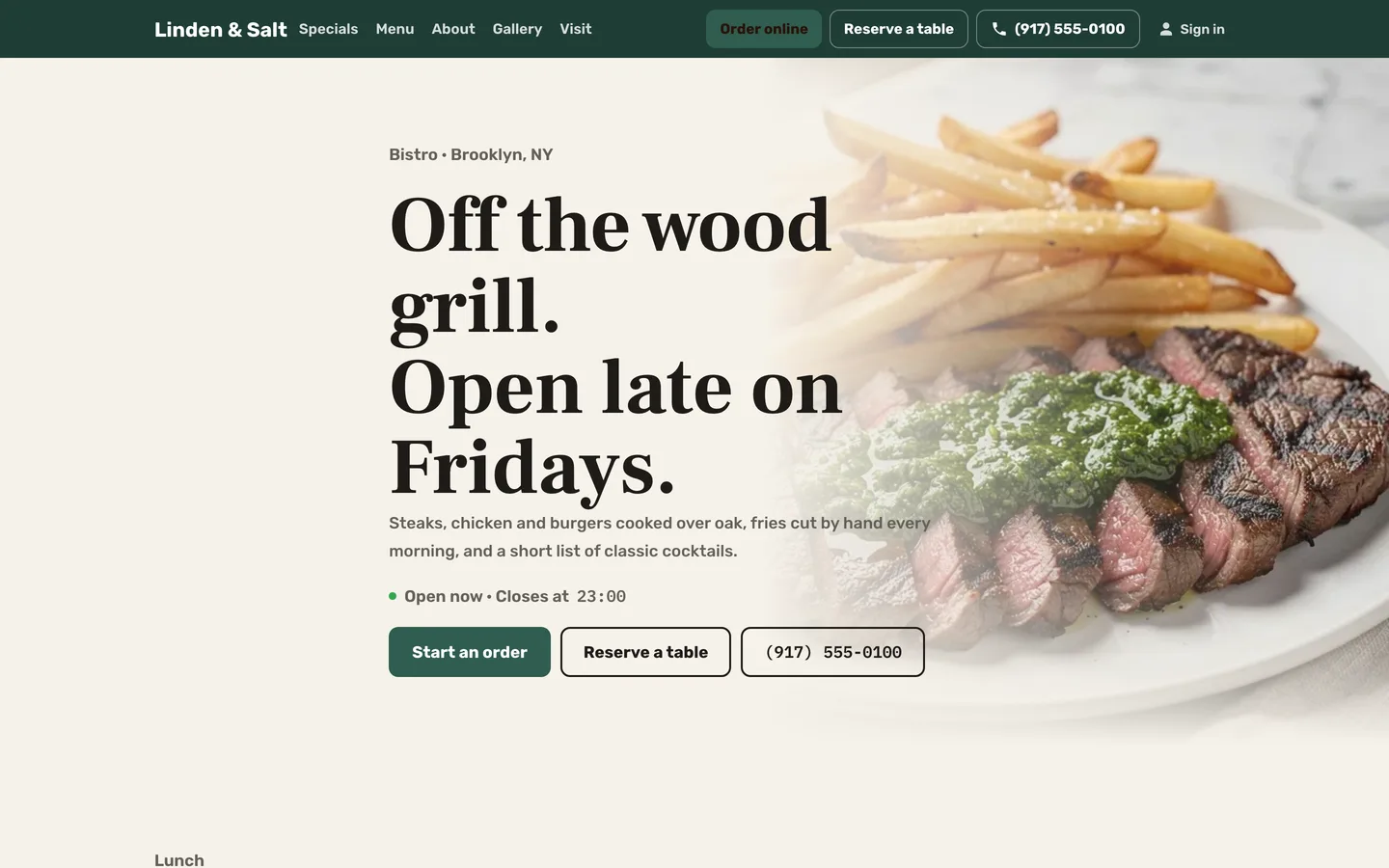
Take direct pickup and delivery orders from the restaurant’s site using the menu managed in Jooule.
Acceptance that follows payment
Successful supported online payment accepts the order; pay-on-collection orders wait for staff approval.
Online payment requires an enabled supported provider; pay-on-collection availability follows the restaurant’s settings.
Check availability Adjust timing during a rush
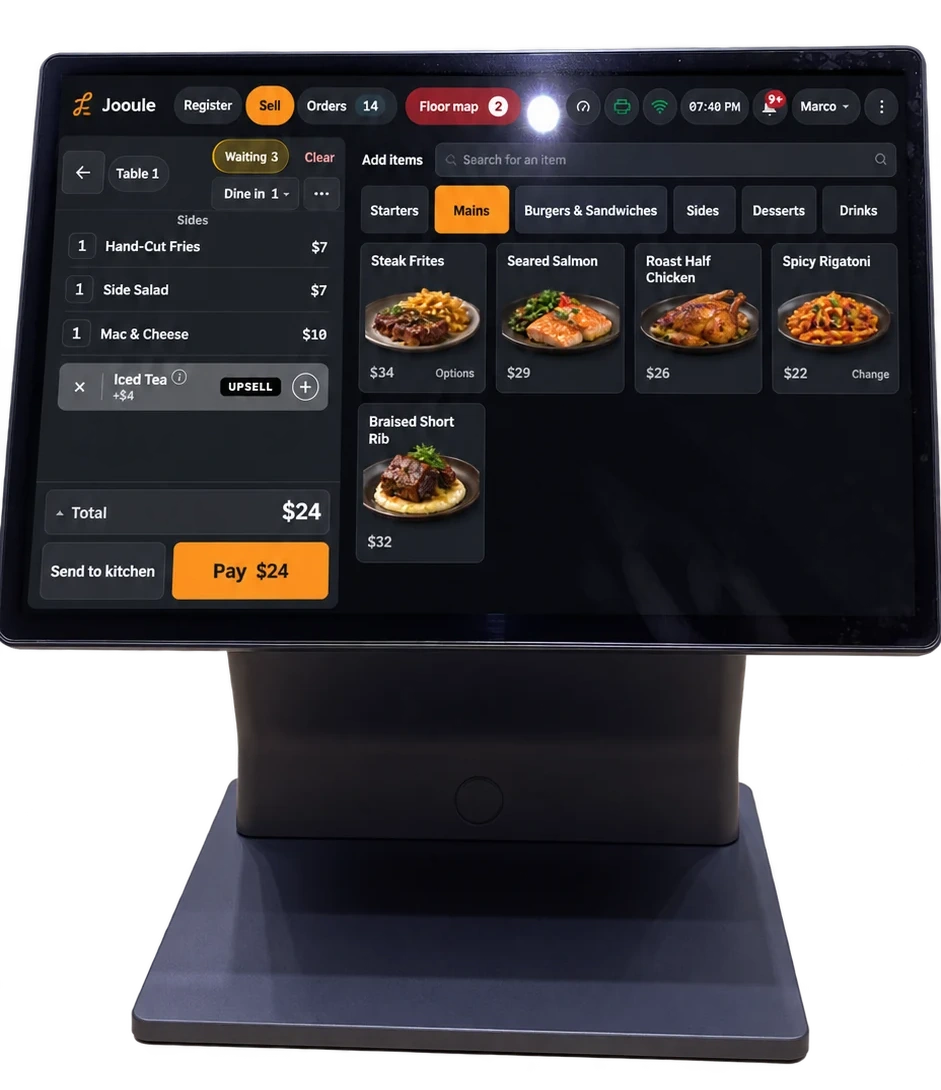
Use kitchen preparation settings for quoted times, add a rush delay or pause new ordering for a chosen period.
Quoted times use configured preparation settings, not a promise of demand forecasting or exact completion.
Guests can follow their order
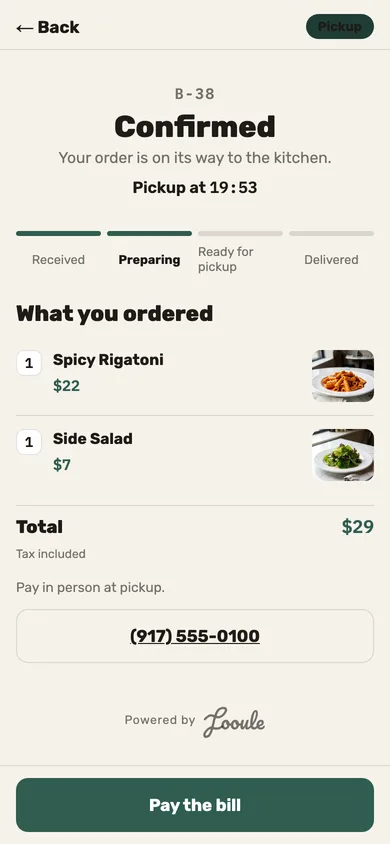
Give guests an order-status page with the promised ready time and the progress recorded by the system and staff.
The page shows recorded progress; an automatic ready SMS is not included in this feature.