Back office
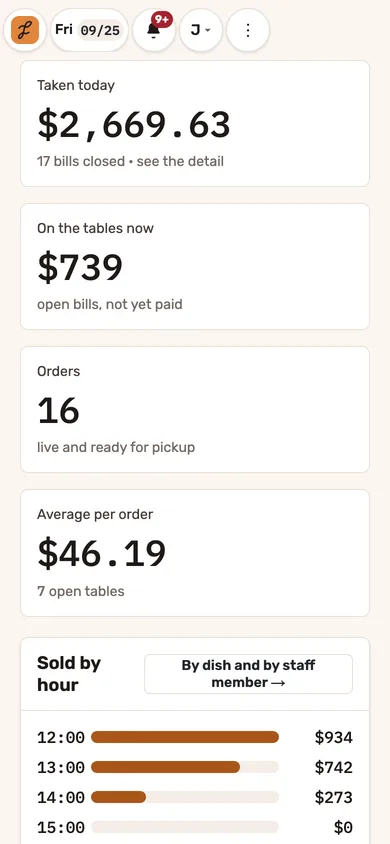
The restaurant, from the owner’s phone.
See what needs attention, who’s on shift and today’s takings. Manage your menu, floor plan, team, reports and tips, with access based on each person’s role.
-
Consistent figures across your reports
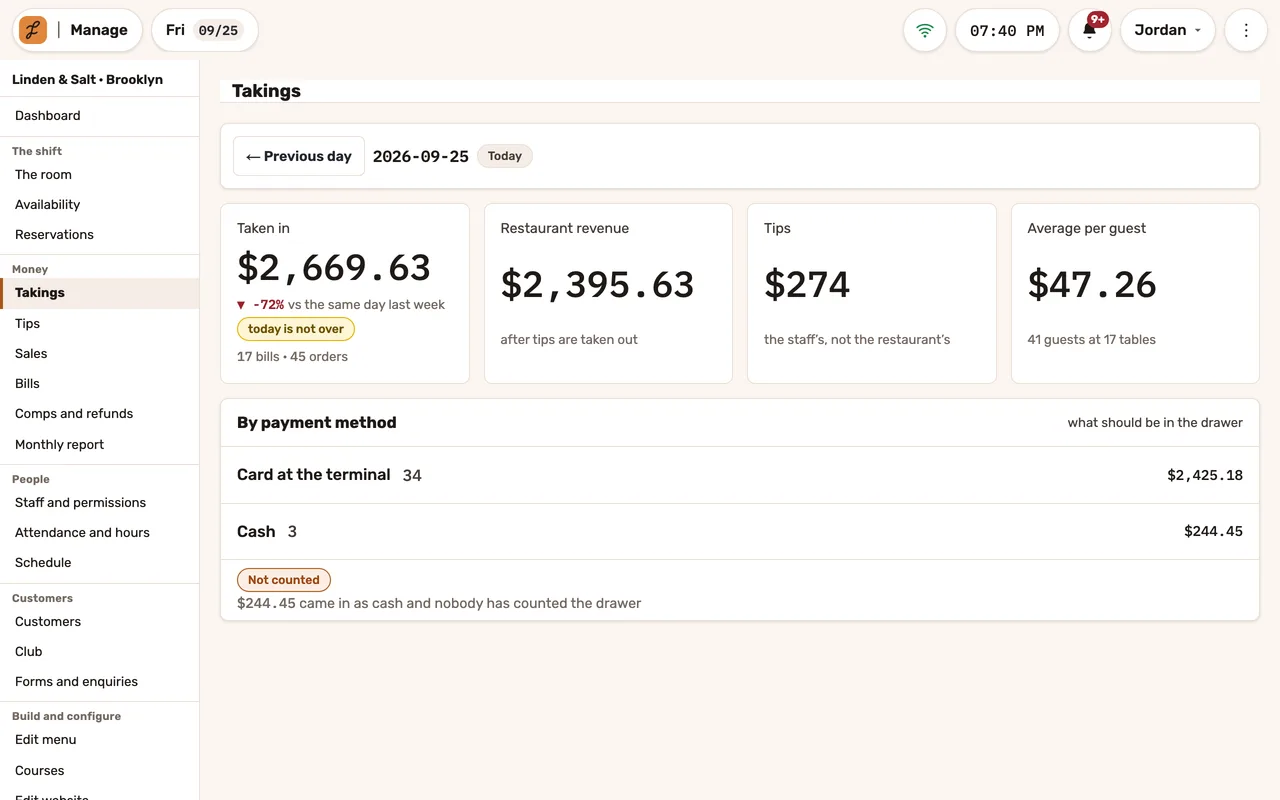
The cash count and takings report use the same drawer calculation. Daily and monthly reports also use the same business day, so payments after midnight appear on the same date in both.
-
A menu you edit once
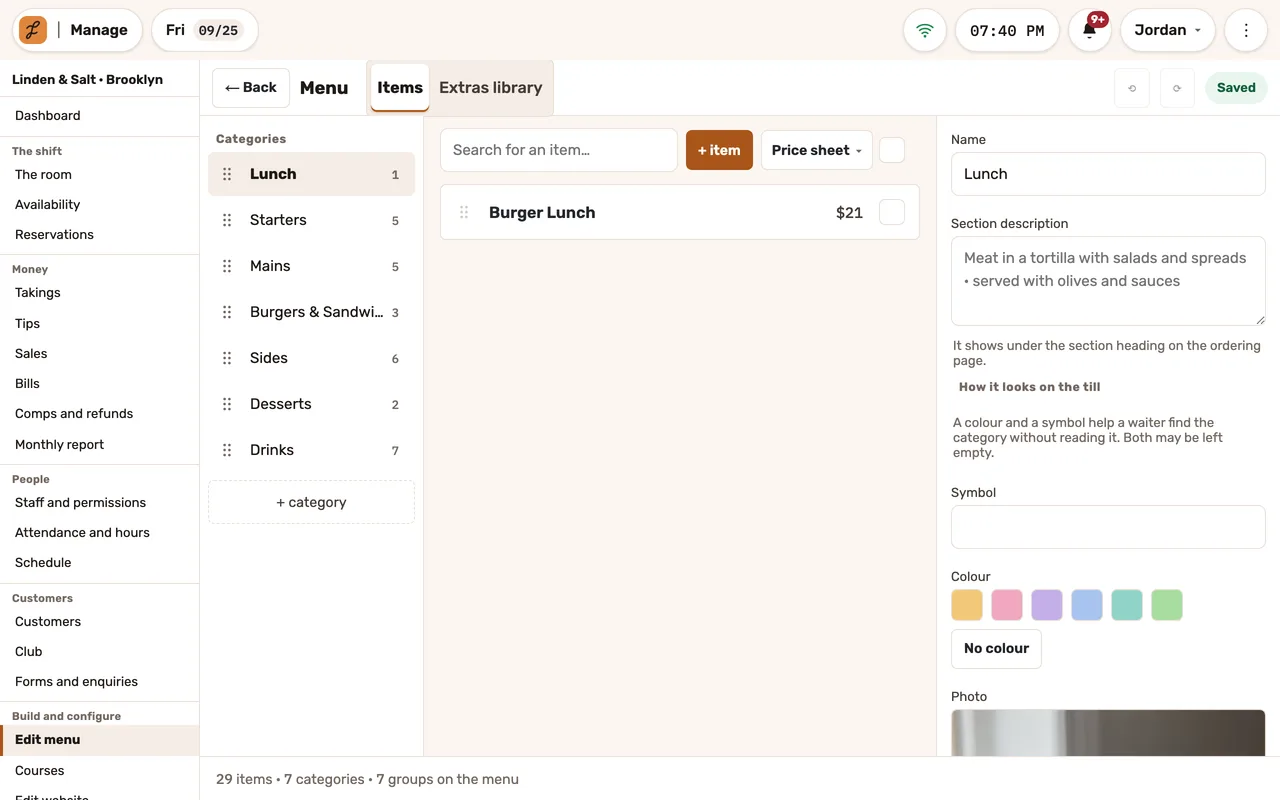
Shared extras, serving windows by day and hour, “goes well with,” bulk repricing with a preview and undo, category colors and a picture library.
-
A protected audit trail
Audit entries are protected from changes and deletion in the database. Your restaurant’s data is also available as a file export on request.
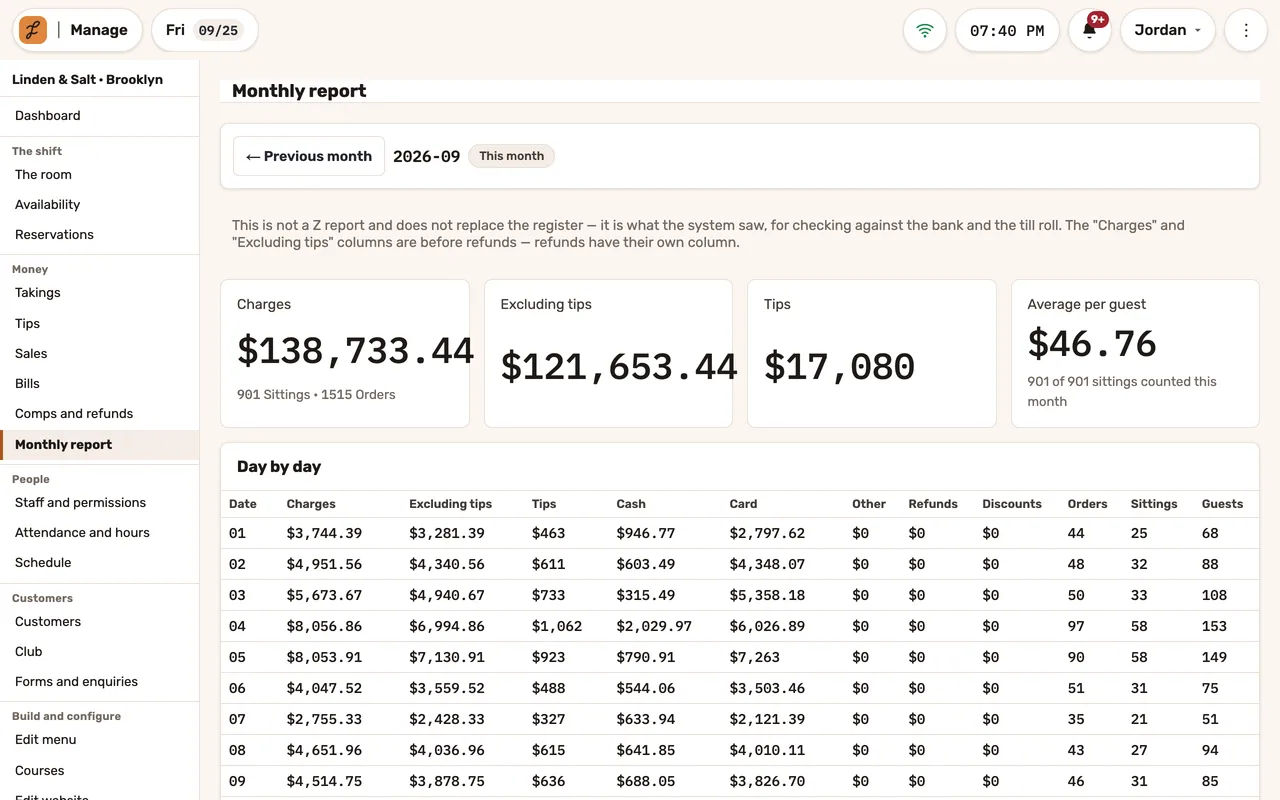
What you see, and where
By payment method, with voids, discounts, refunds and covers, and the drawer counted against expected. “Nobody counted” never shows as zero.
By hour, by dish and by staff member, and what the suggestions added over the last thirty days.
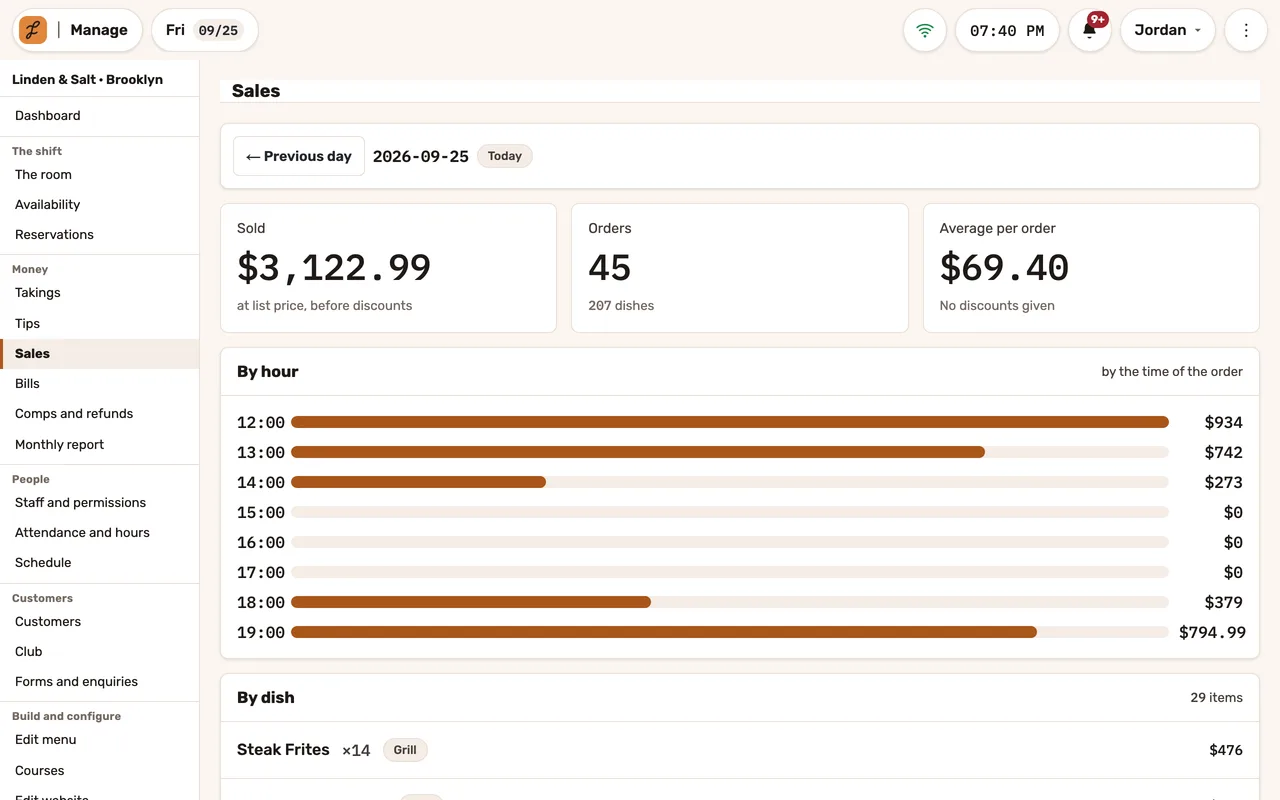
Day by day by payment method, to check against the bank.
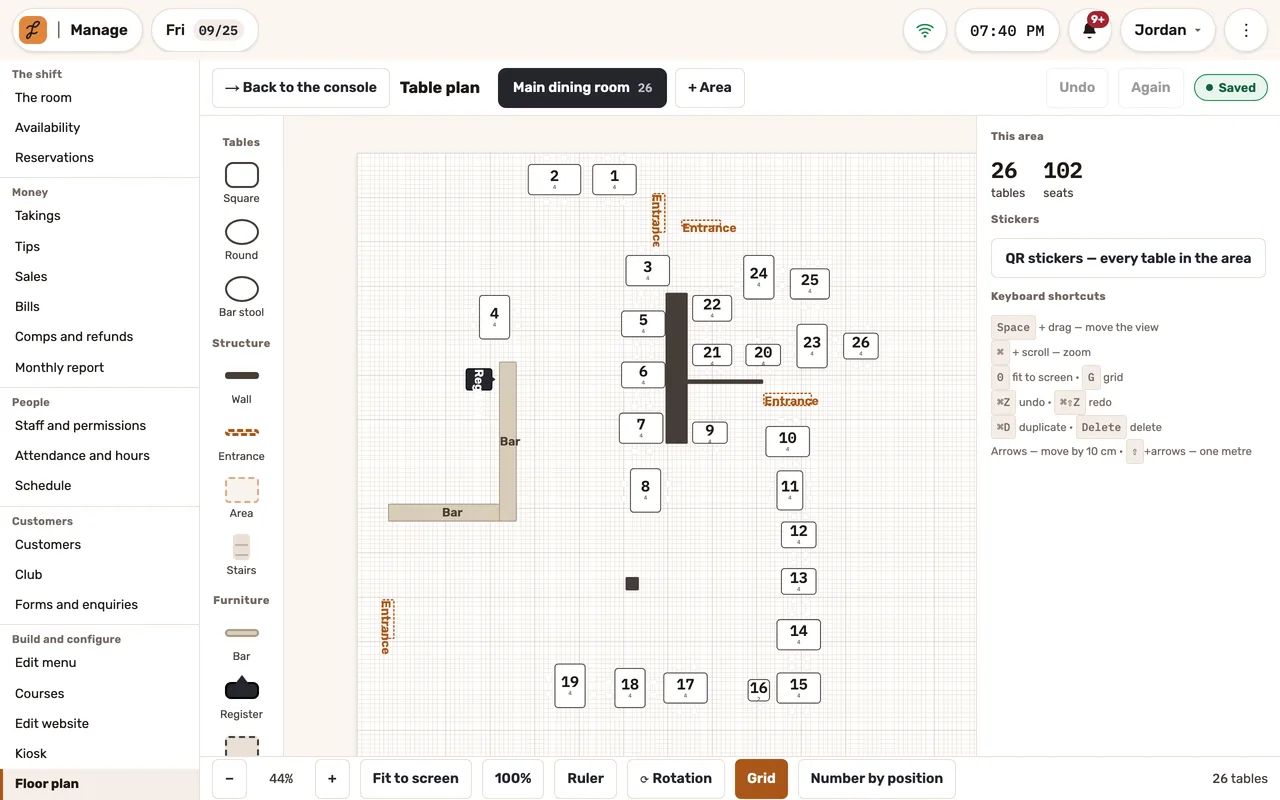
A floor plan with rooms, tables and walls, and a QR sticker for every table.
Questions we hear
Can we compare locations?
No. Every report reads one location — the one you signed in to.
Who sees what?
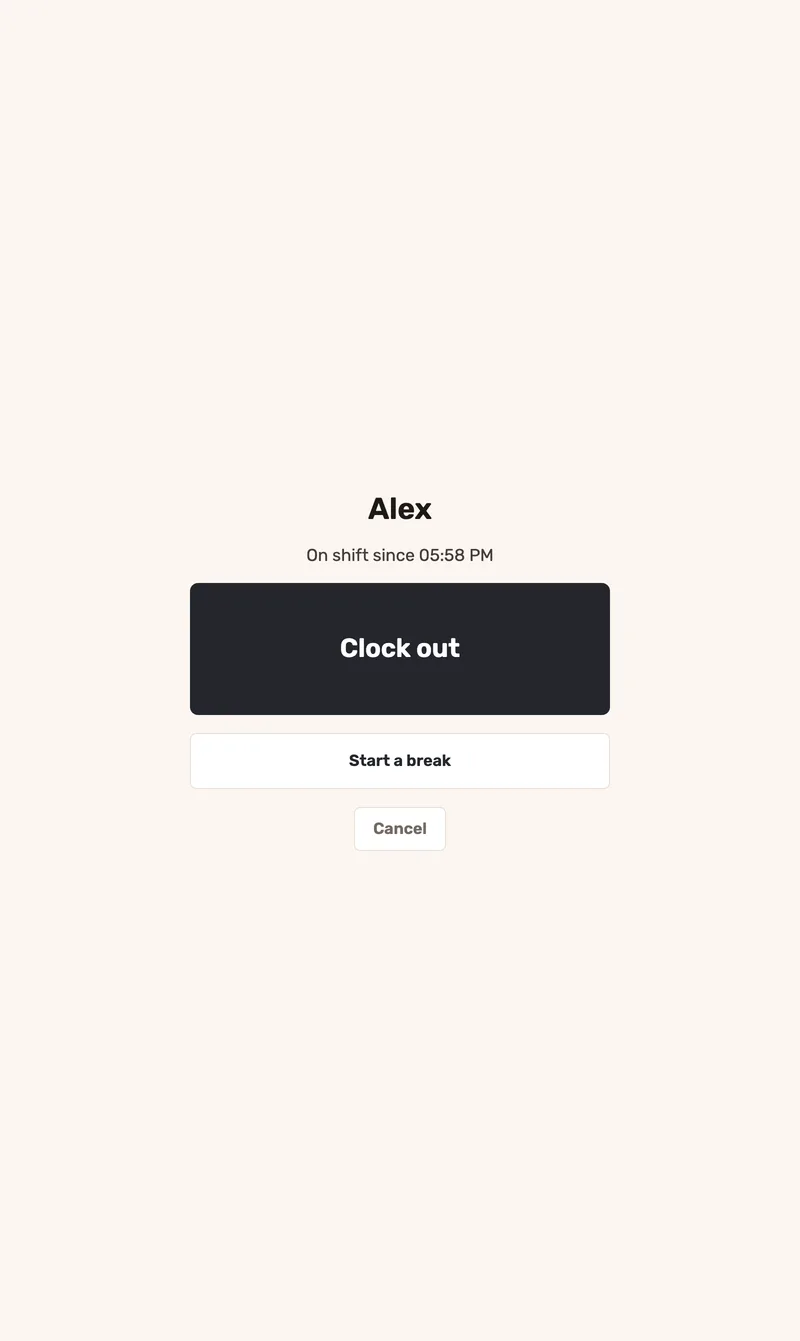
Every screen has a minimum role. A shift manager sees tonight’s screens and today’s numbers only.
Does it know food cost and margin?
No. There is no item cost, inventory or labor cost — the numbers are what was sold and paid.
See Jooule with your own menu.
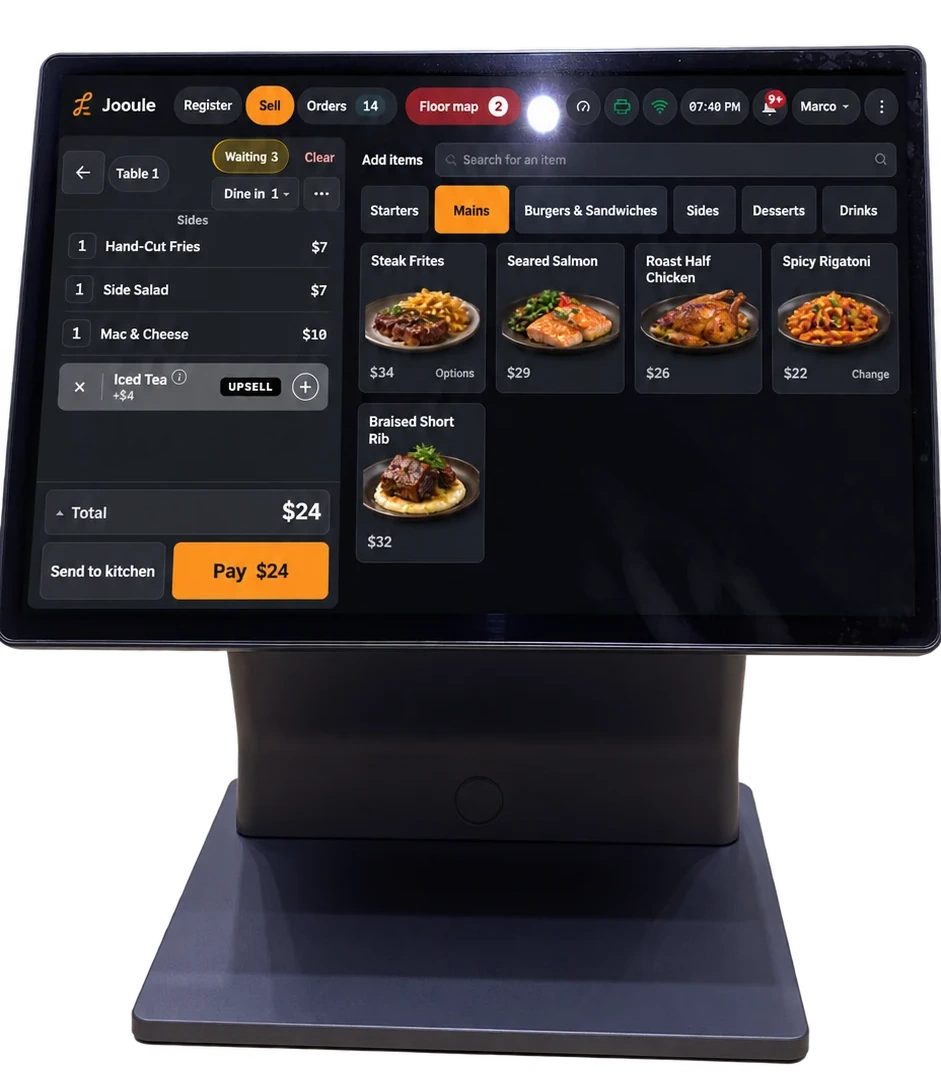
Explore the register, server app and kitchen display with the dishes you serve.