Gift Cards

A gift you can sell and redeem at the register.

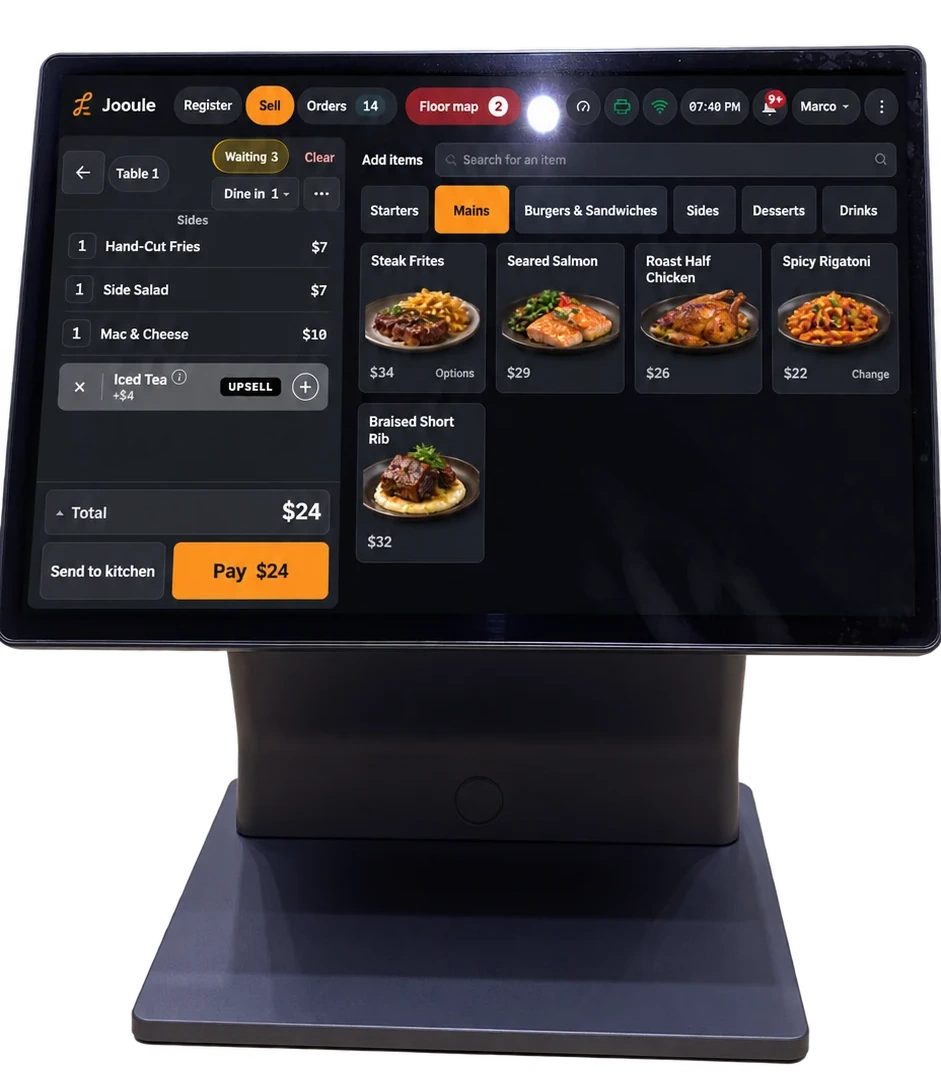
With gift cards enabled for your restaurant, sell a card, add funds, check its balance and redeem it at payment. Unspent value stays on the card for a later visit.

Use the balance, even when the check is larger

Choose gift card payment and check the available balance. Use it for the whole check or combine it with another payment method for the remaining amount.

Questions we hear

Can we reload an existing gift card?

Yes. The register sale flow also supports adding value to an existing card when gift cards are enabled, subject to the configured limits.

What happens to an unused balance?

Unspent value remains on the card. Staff can check the available balance during payment, and the card records keep track of loads and redemptions.

Is a gift card the same as a loyalty reward?

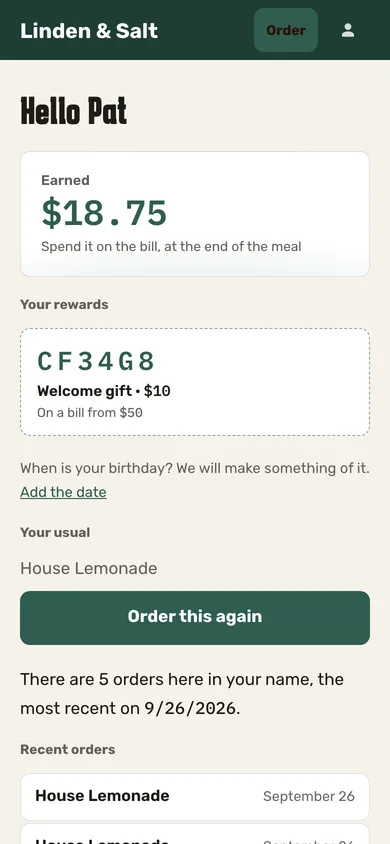
No. A gift card holds value that is sold and loaded. The members’ club provides benefits and an earned rewards balance under your restaurant’s rules. They are separate flows at the register.

Can customers send cards by email or spend across locations?

This page covers selling, loading and redeeming gift cards at the restaurant’s register. It does not offer an online gifting store, email delivery or cross-location redemption. Confirm your restaurant’s workflow and settings before enabling it.

What you can do

Explore all features

Sell and redeem gift cards

Sell or reload a card at the register, check its balance and use it for all or part of a payment.

Enable gift cards for the restaurant. Cards are scoped to the issuing location; this does not include online gifting or delivery by email.

Let’s talk about your restaurant’s next step.

Improve today’s operation, plan an opening or prepare for another location. Tell us what you need, and explore how our service and technology can help.