Service and training
QR ordering for restaurants: a table-service setup checklist
A QR menu, an ordering flow and a payment flow are different services. Decide what the guest can do after scanning, who watches incoming requests and how staff help someone who prefers to order in person.
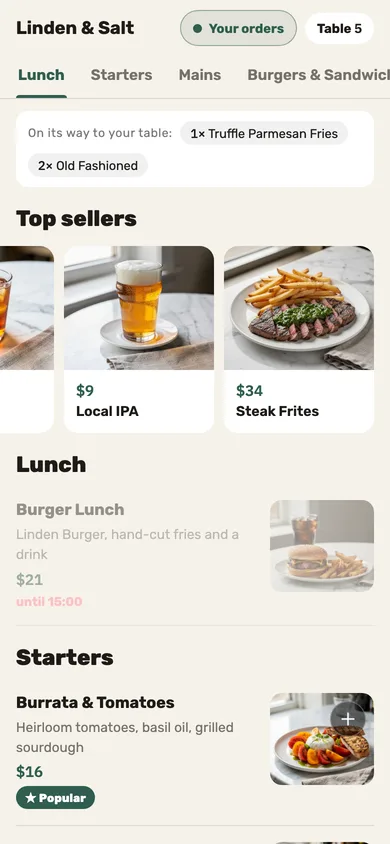
Decide what scanning the code should let a guest do
A link to a menu only needs to show useful information. Table ordering also needs to identify the correct table, collect valid choices and deliver the order into service. Phone payment needs a configured payment route and a clear check to settle. Do not label all three simply “QR” in your staff briefing.
Jooule’s table flow lets guests browse and order in their phone browser without installing an app. It supports shared table rounds, calling a server and requesting the check. Payment behavior depends on the restaurant’s configured supported provider; confirm the US setup before promising that every guest can pay by phone.
Make the table and the next step unmistakable
Place each code where a seated guest can scan it and recognize which table it belongs to. Test the actual printed size, lighting and surface. A design preview does not show whether glare, a damaged sticker or an adjacent table’s sign will confuse a guest.
Use a short instruction that matches the enabled flow, such as “Scan to order at this table. Ask us if you prefer help.” Have a server welcome the party and explain how later rounds work. A QR code should not make the guest wonder whether anyone is looking after them.
Name the person responsible for approval and help requests
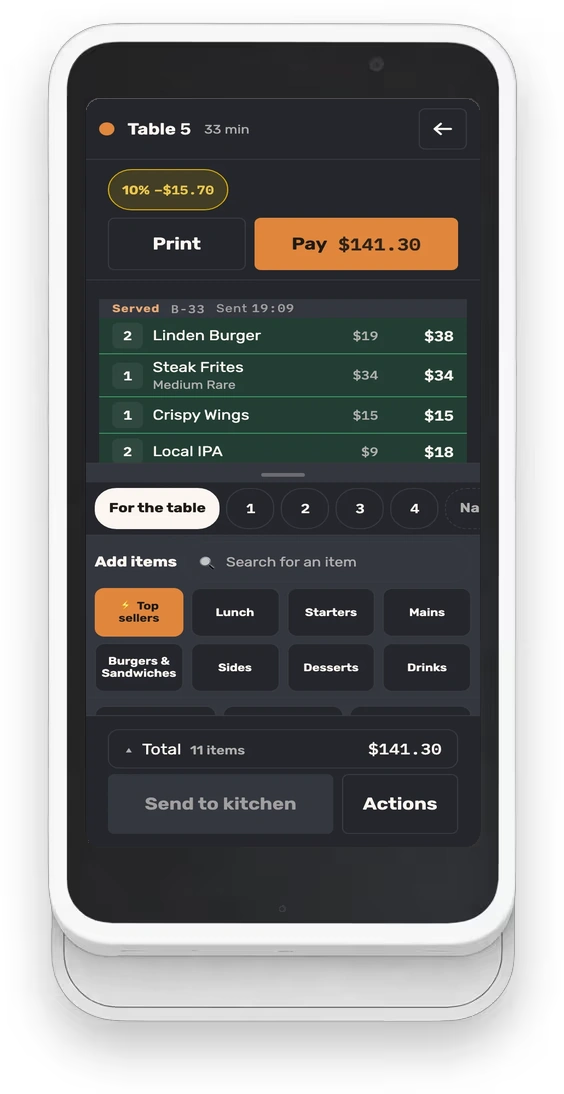
Jooule can require waiter approval before a guest’s table order goes to the kitchen. Decide whether that mode fits your service and who watches the pending work. If the assigned server is busy, another person needs a clear responsibility for the queue.
Practice two guests adding different dishes to the same table and a later drink round. Check how the shared bill changes and how the receiving team distinguishes the new work. A repeat order should be deliberate, not the result of a guest tapping again because they cannot tell whether the first request arrived.
Treat call-server and request-check actions as service work. Agree how staff respond and how the guest sees that their request was handled. The button is helpful only if a person owns the next step.
Keep staff help available beside the phone flow
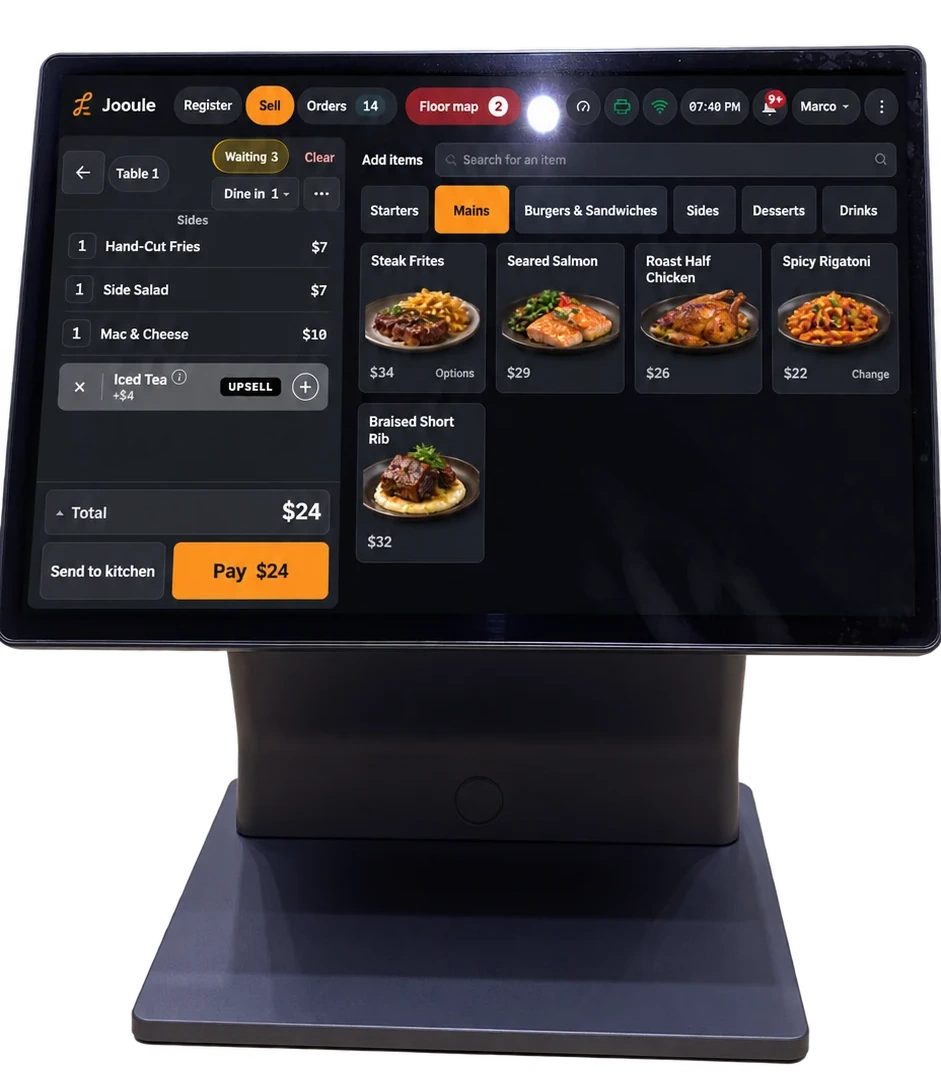
Offer a practical alternative for a dead battery, poor connection, difficulty reading the screen or a guest who does not want to use a phone. Have the server take the order through the normal staff workflow and confirm the same table and choices.
Teach staff how to handle a request that cannot be safely resolved through the available menu information. For allergy concerns, the restaurant’s ingredient and preparation verification still matters. A guest-facing note field does not establish that a dish is safe to serve.
Before payment, have staff and guests confirm the intended check and remaining balance. A page showing a payment request is not proof that the provider completed it. Include an interrupted payment in training so nobody responds to uncertainty by repeatedly attempting the same charge.
Run the complete table rehearsal before rollout
Use the setup or demonstration environment agreed with your provider. Test on two ordinary phones and the staff device that will receive the requests. Keep a small checklist with the table signs so it can be repeated after menu or payment changes.
- Scan the printed code and confirm the restaurant and table.
- Order a dish with a required choice and inspect its total.
- Check waiter approval if it is enabled.
- Have a second phone add another round to the same table.
- Request a server and verify who receives the request.
- Check a sold-out dish and a special request needing staff help.
- Request the bill and test the configured payment or staff-payment path.
- Re-seat the table and confirm the next party has the intended fresh service context.