Restaurant operations
Connected restaurant software: follow one order end to end
Connected restaurant software earns its value at the handoffs. Follow a real menu change and one order through the website, register, kitchen and reports to see which facts stay consistent and where a separate service is still required.
Define what must stay connected in your restaurant
A shared login is convenient, but it does not prove that two screens agree about an order. List the information that needs an owner: dish names, choices, prices, availability, promised time, payment state, kitchen readiness and staff access. For each fact, identify where it changes and where the result should appear.
US restaurants can operate a mix of first-party tools and external payment, delivery, accounting or messaging services. Map both. Ask who supports a failed handoff and what a manager can see when a connection is delayed. A logo in an integration list is not a demonstration of your account’s enabled behavior.
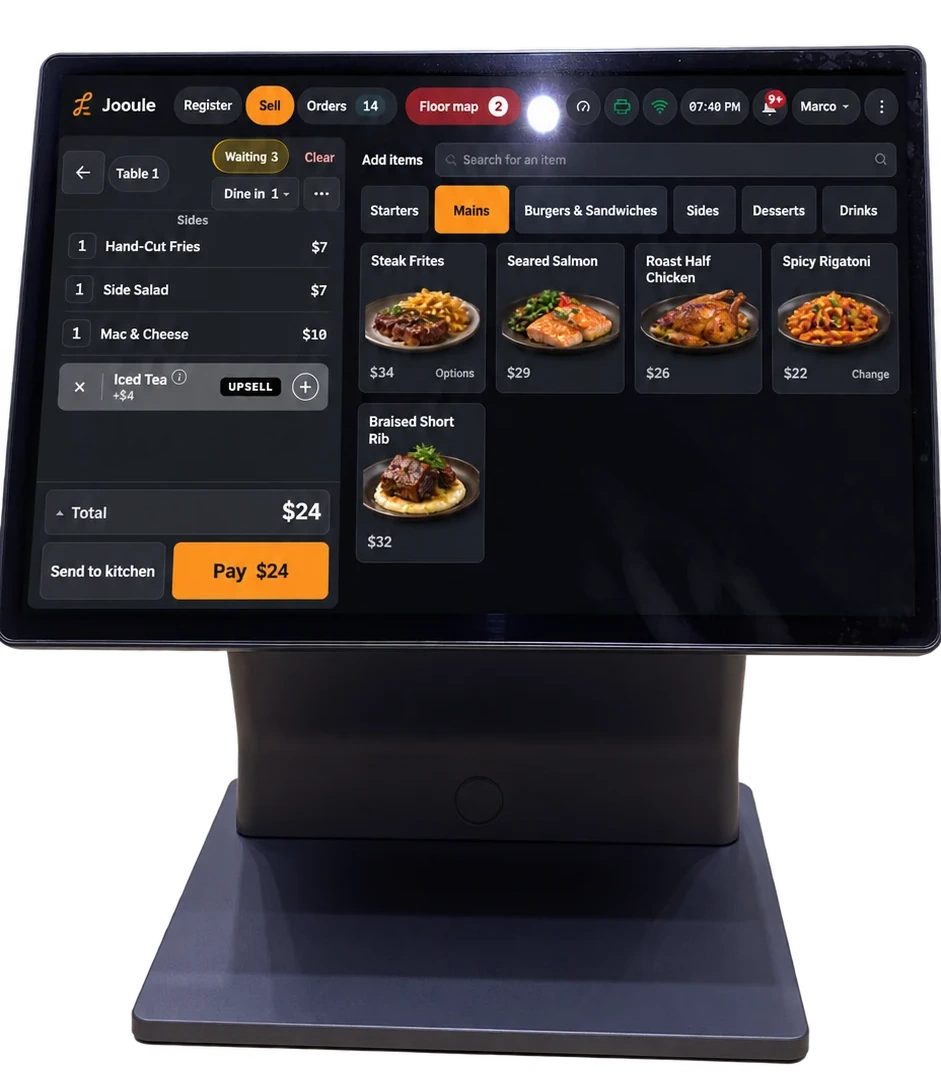
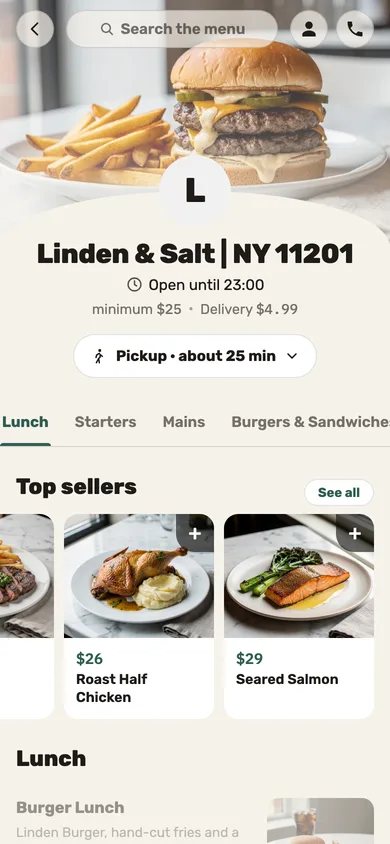
Jooule’s direct-ordering, register and kitchen workflows use the restaurant’s managed menu and order records. Cost, labor and AI capabilities add related views when configured. Evaluate those specific connections rather than assuming every external service or every location is automatically joined.
Start with a menu change that has consequences
Pick a dish with a required side and an optional extra. Change its availability in a demonstration restaurant, then check the register, direct ordering and table ordering channels you plan to use. Next inspect the price and choice names. Channel-specific price rules can be legitimate; unexplained disagreement is the problem.
Now change a preparation destination and place an order. Does the correct station receive the dish? Is the optional extra clear on the ticket? This is a better test of connected operations than opening several screens that each happen to show the same restaurant name.
Keep separately managed listings in your checklist. For example, Google Business Profile has its own menu information and links. Updating the menu in Jooule does not establish that a separate listing has been edited.
Follow an order placed now for another day
In a rehearsal, choose a pickup several days ahead within the restaurant’s offered service times. Check the date, local time, payment result and recorded order state. A future order needs a visible place in the register without being confused with work the kitchen must prepare immediately.
Jooule supports prepaid future website orders within configured hours, preparation rules and any advance-order limit. Staff can find scheduled orders by date, adjust supported timing and start preparation early. Test a time change and the cancellation/refund path with the configured payment provider.
Payment, operational completion and accounting recognition are different questions. Do not infer a complete day-closing or revenue-recognition workflow from a future-order screen. Jooule’s current branch/day cash count is separate from the planned complete closing workflow with independent drawer sessions.
Check preparation, packing and handoff separately
At the preparation stage, the team needs to know which work belongs to each station and what has changed. At packing, someone needs to reconcile the whole order, including separately packed sides. At pickup, someone must match the food to the guest. Each action answers a different question.
Jooule’s shared kitchen queue supports station readiness, manual ticket priority and course controls. Structured ticket organization can use a restaurant default with station overrides, including a separate packing section with quantities and dish context. These controls arrange the supported content; they are not a free-form graphic design tool.
Rehearse a changed dish and a printer warning. A retry of a ticket already accepted by the server does not create an offline ordering capability. New Jooule orders require an internet connection, so the restaurant needs an explicit continuity plan for a lost connection.
Connect the order to decisions after service
A sold dish can inform recipe-based ingredient usage; it does not physically count the refrigerator. A busy interval can inform staffing; it does not establish the right team for every future event. Useful connected reports preserve the assumptions as well as the results.
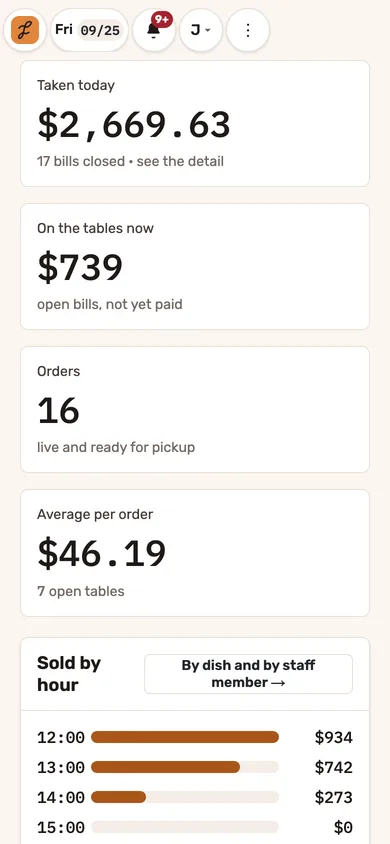
With the relevant Jooule modules, managers can review food and labor figures beside the operation, trace ingredient price changes to dishes and compare planned with recorded labor. The employee workflow provides schedules, requests and personal records under its own permissions. Danny can answer supported questions using the access of the signed-in person when its AI service is enabled.
Ask the demonstrator to leave an ingredient cost or wage rate missing. The system should reveal that gap rather than quietly converting it into a confident business answer. Then ask which location and period the report covers; Jooule’s current branch-scoped reports are not a consolidated comparison dashboard across every location.
Use one script to compare restaurant software
Give each provider the same scenario and record which parts are demonstrated, which require an additional service and which remain unavailable. Ask for the actual market, hardware and account prerequisites. This makes a comparison useful without relying on an unsupported “all-in-one” promise.
- Change a dish’s availability and verify each intended ordering channel.
- Place a configured future order and confirm its payment and date.
- Change the time, then show where staff find the updated order.
- Release preparation and inspect station work and packing instructions.
- Complete the handoff and review what the status page tells the guest.
- Show how the sale enters the relevant reports, including incomplete cost data.
- Check employee access separately from manager access.
- Demonstrate a failed connection and identify the recovery owner.